Work in perfect
flow.
Notes, tasks, calendar, files, chat, automations and an AI assistant — every tool your team uses, in one calm workspace.
Free to start · no credit card
 CreateMake websites, slides and videos by chatting
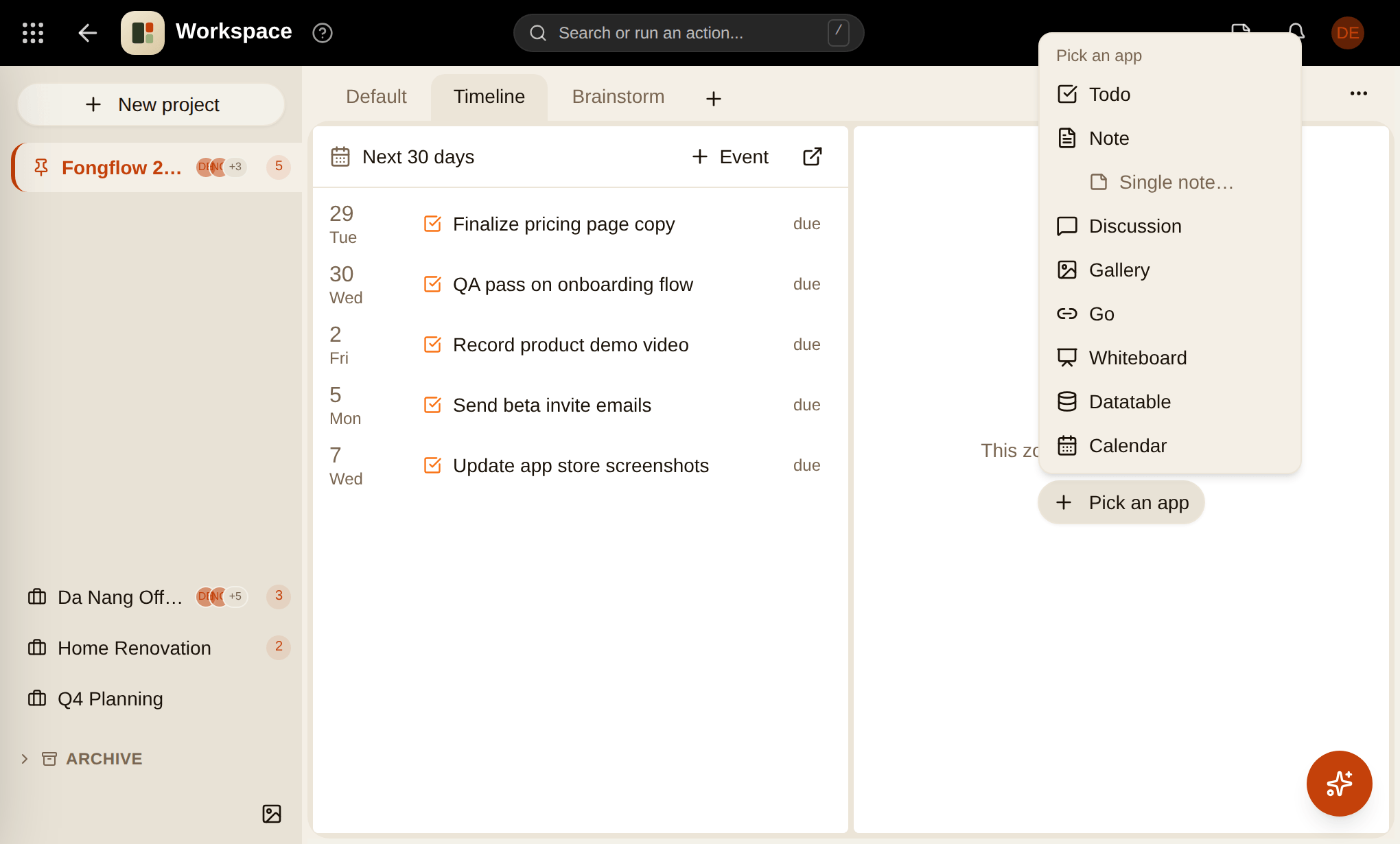
 WorkspaceProjects that bring your apps together
 ComputerLet AI use a browser on your computer
 JournalA private daily log of your thoughts
 GalleryPhotos and albums, beautifully organised
 CoworkerKeeps track of who owes what, so you don't have to
 NotificationsEverything that needs your attention
 PomodoroFocus timer with stats and history
 HabitsBuild habits with streaks, reminders and weekly reports
 AnimateMake 2D cartoon shows
 DatatableSpreadsheet-style databases
 Dev UtilsHandy developer utilities
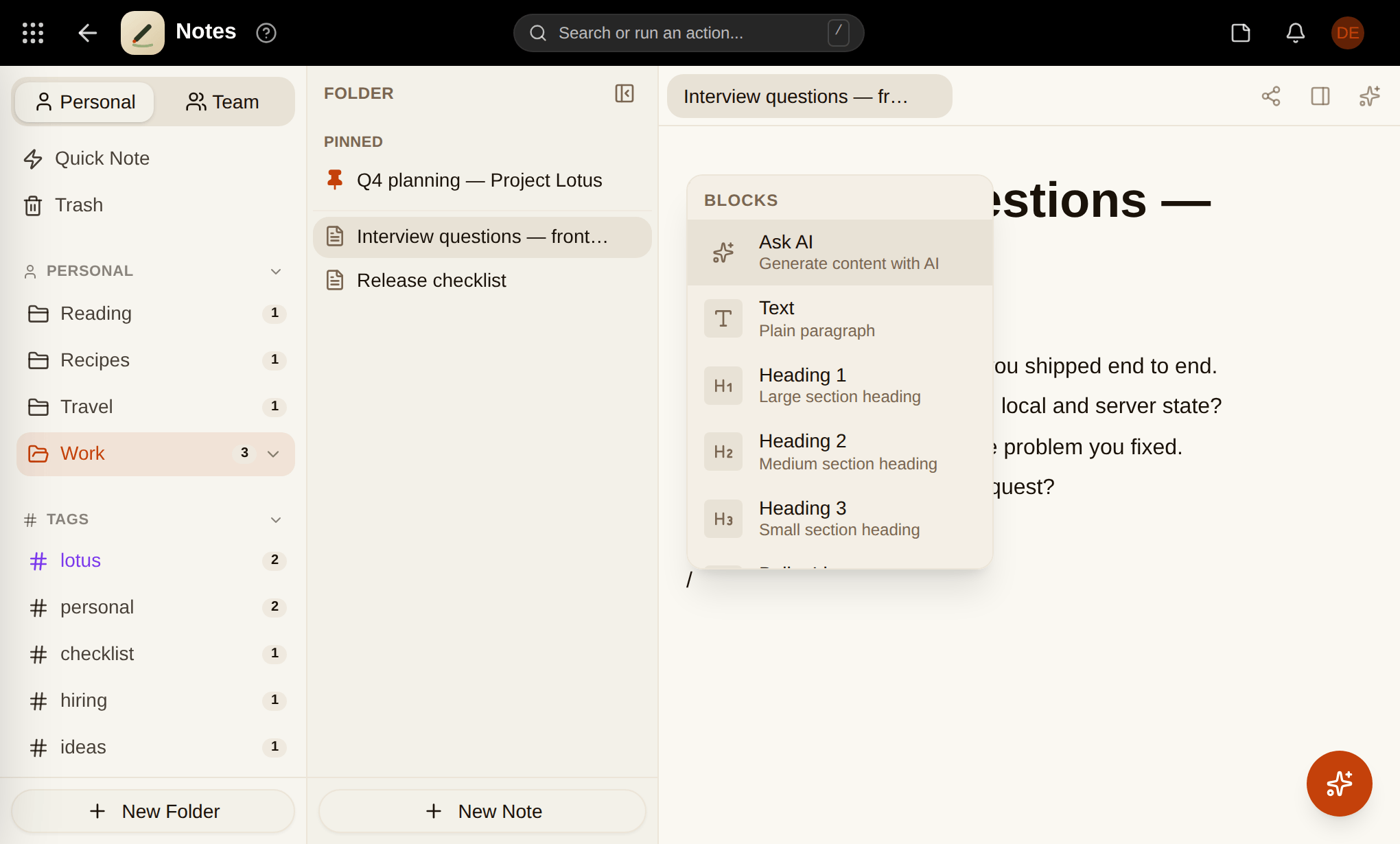
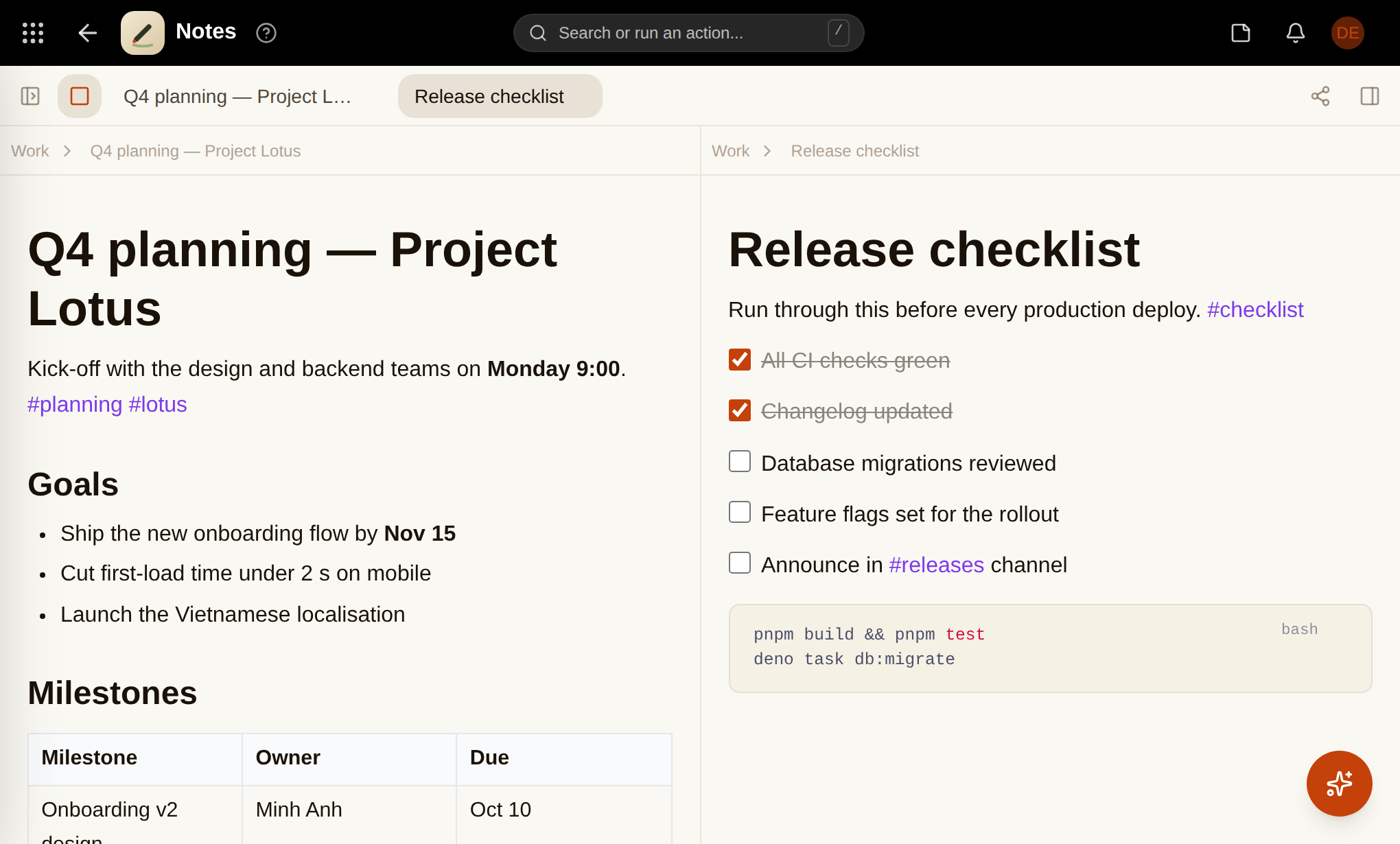
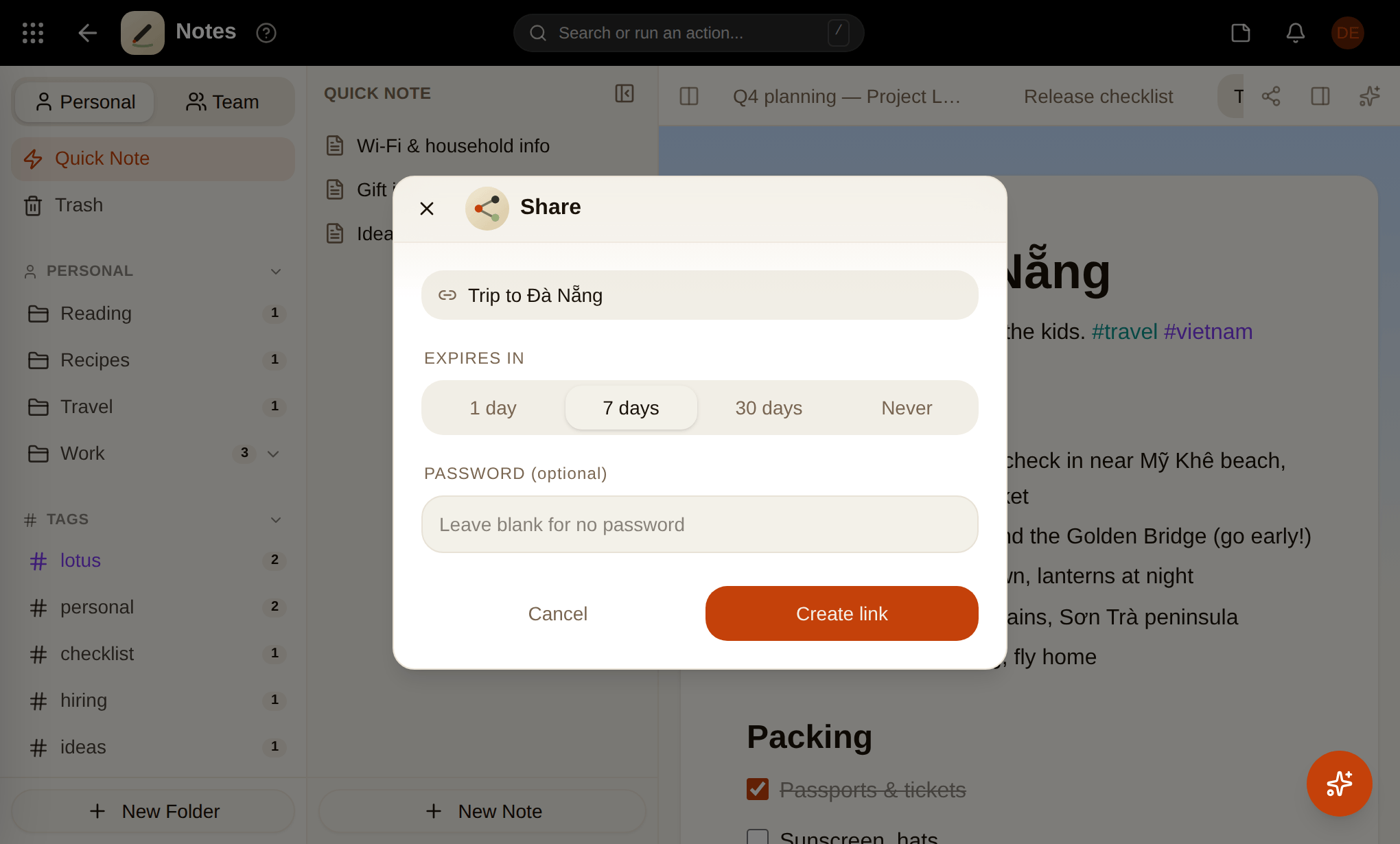
 NotesRich notes with folders, tags and sharing
 WhiteboardAn infinite canvas for diagrams and ideas
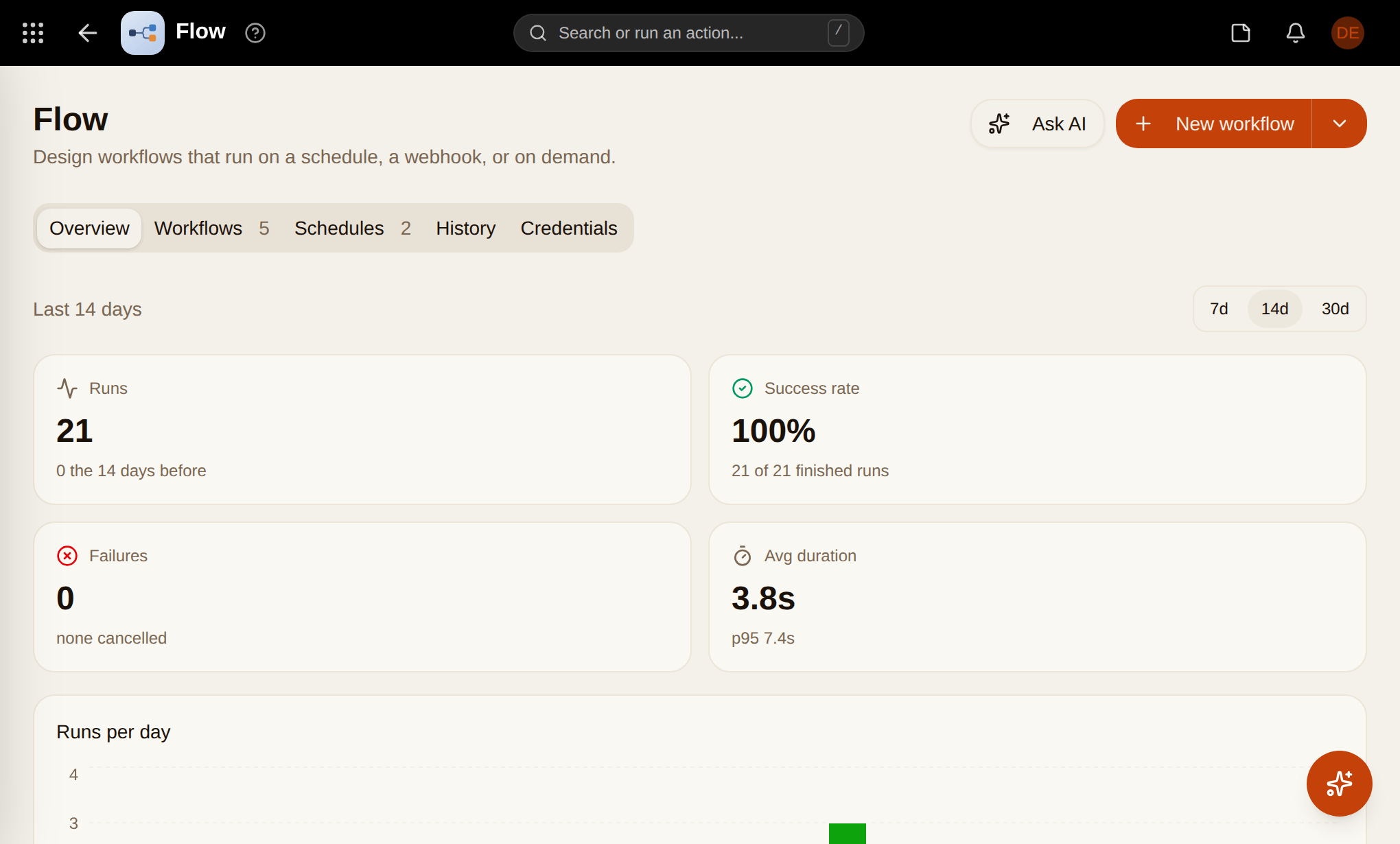
 FlowAutomate work with visual workflows
 Knowledge BaseYour team's answers, written down once
 SearchFind anything across all your apps
 DiscussionTopic-based forums for your team
 Money FlowTrack expenses, income and subscriptions
 Pomodoro ForestGrow a forest while you focus
 Sticky NoteQuick notes that float over any page
 Beautify ScreenshotTurn screenshots into polished images
 CMSHeadless content with an API
 CalendarEvents, agenda and public booking pages
 FoFoYour assistant across every app
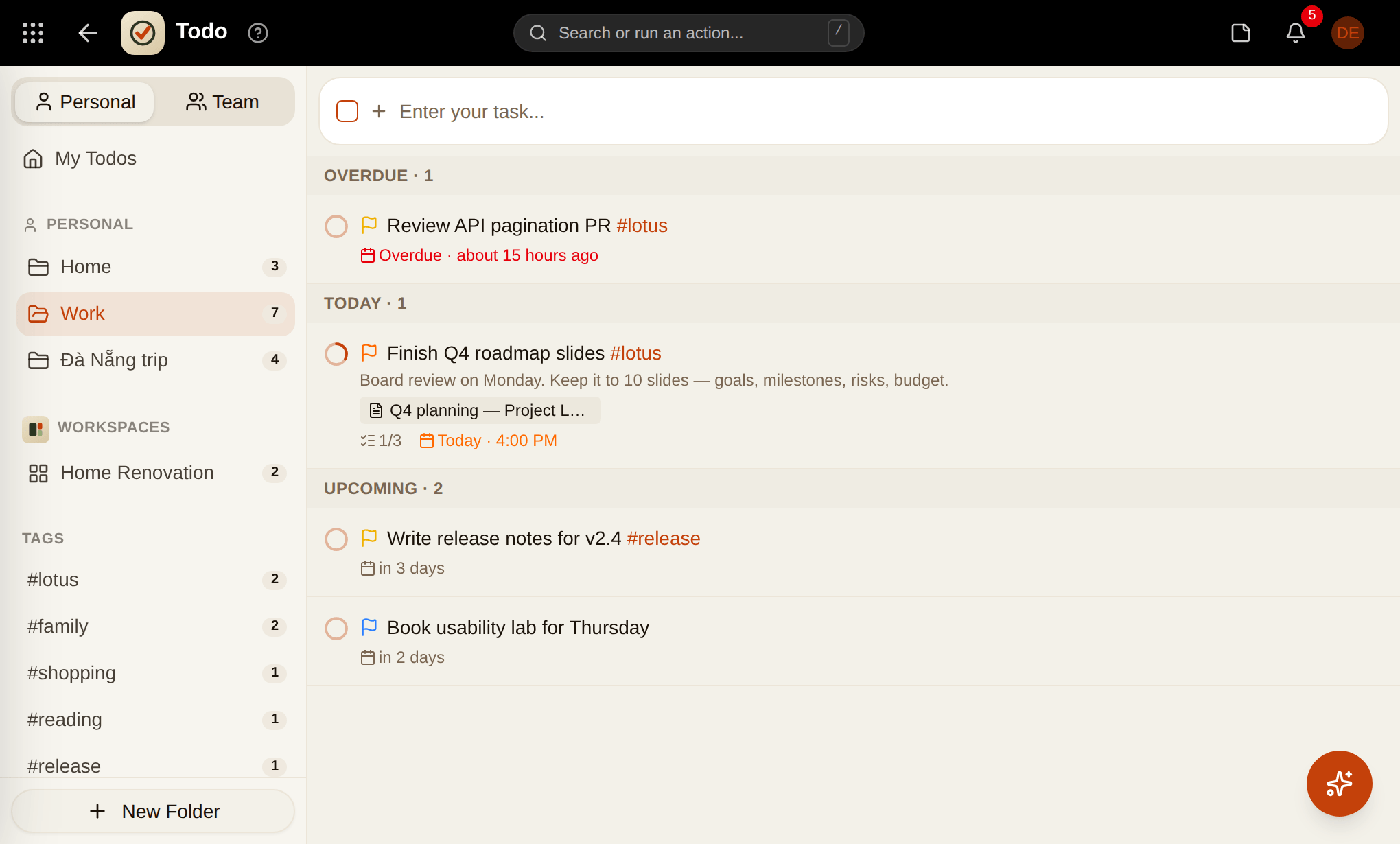
 TodoSimple tasks with due dates and details
 FilesYour drive for documents and folders
 ChatDirect messages and group threads
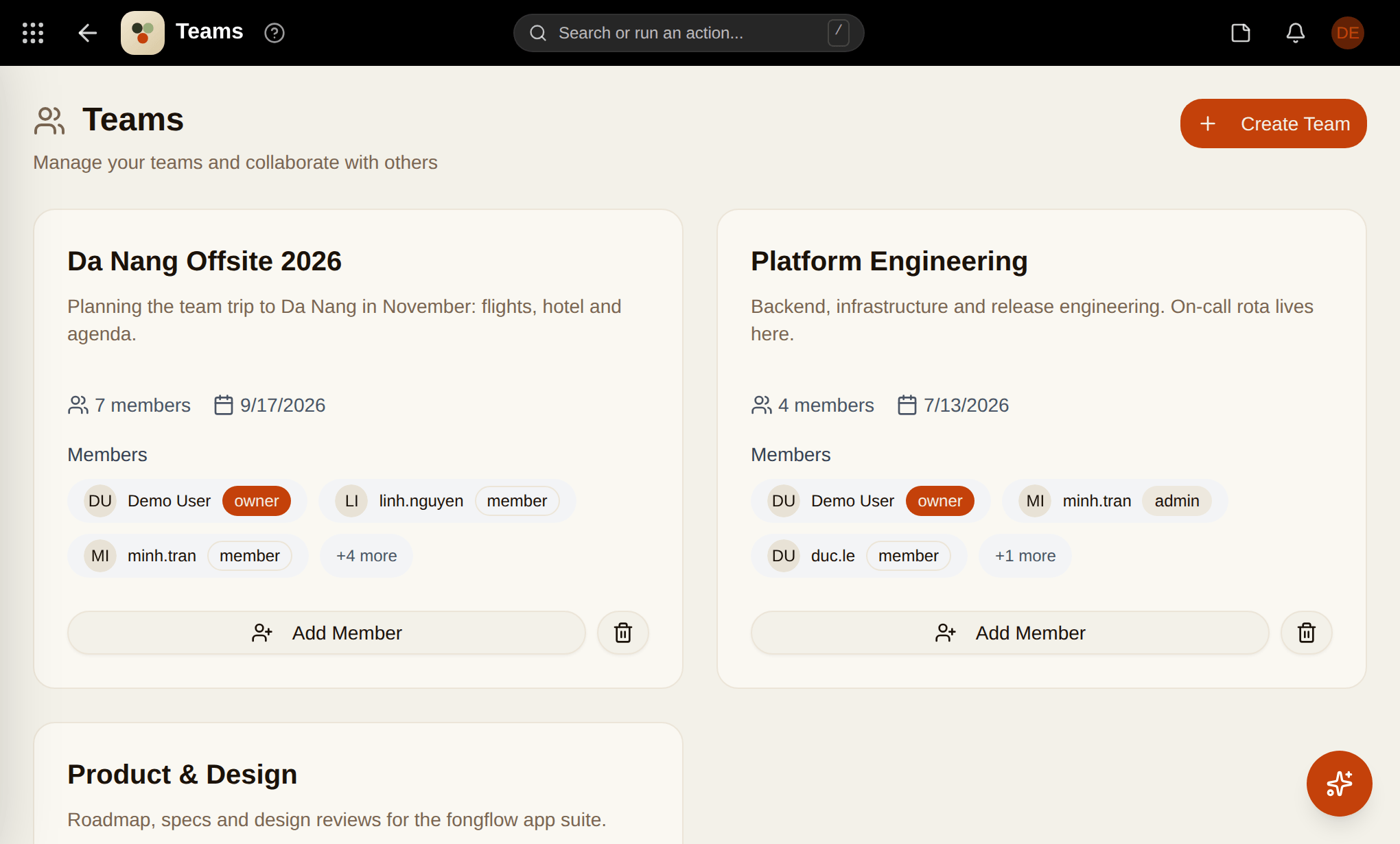
 TeamsCreate teams and manage members
 Idea CaptureCatch ideas before they disappear
 CountdownCount down to the moments that matter
 Raw DrawHand-drawn style sketches
 PixelA retro LED matrix for your dashboard
 Go LinksShort, memorable links
Not 12 tabs. One place.
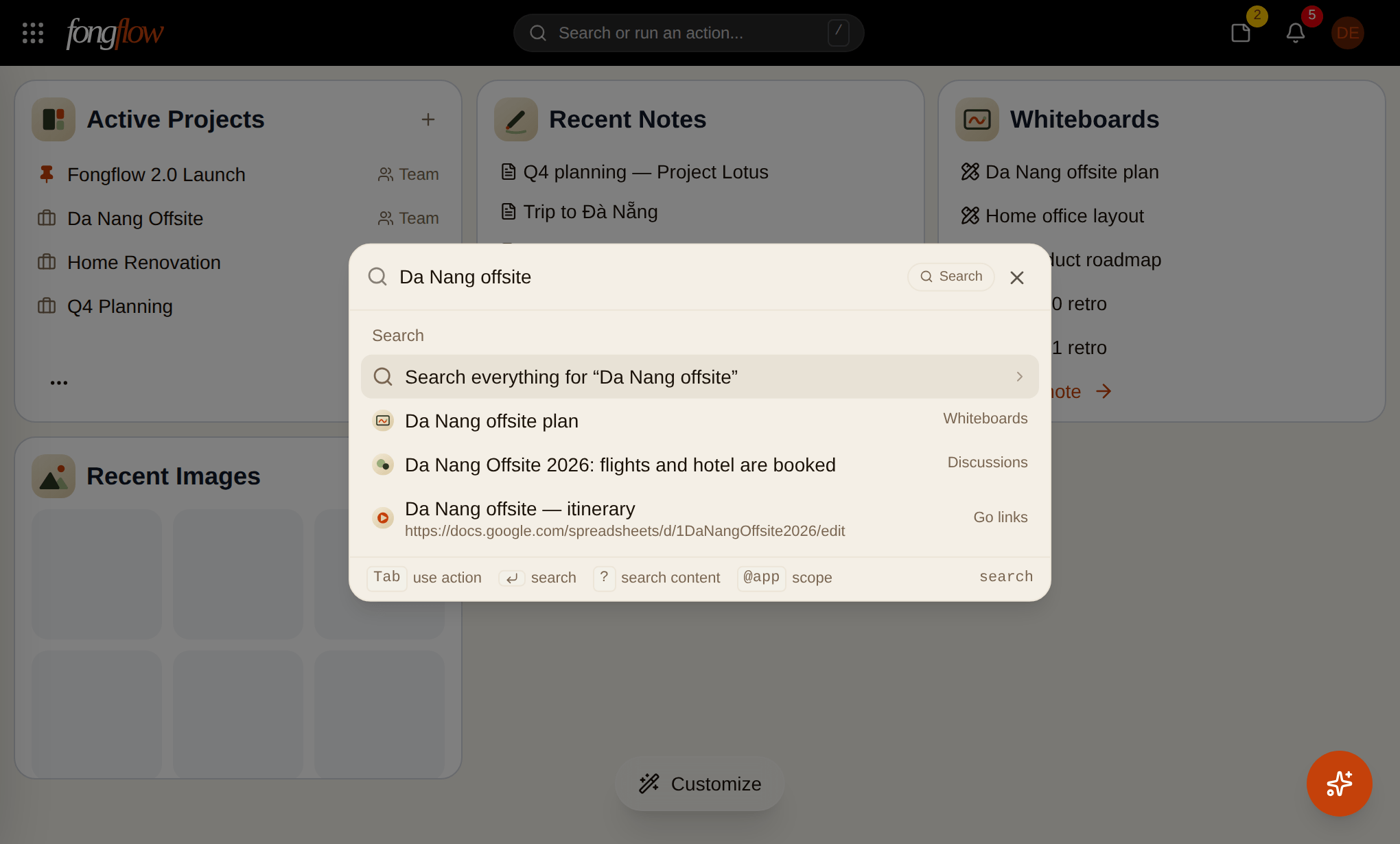
One search for everything
Press ⌘K anywhere. Find a note, a file, a task, a person — or run an action — without leaving what you're doing.
FoFo, an assistant that knows your apps
Ask it to summarise a thread, plan your week or draft a note. It reads and acts on your real data — with a bit of sass.
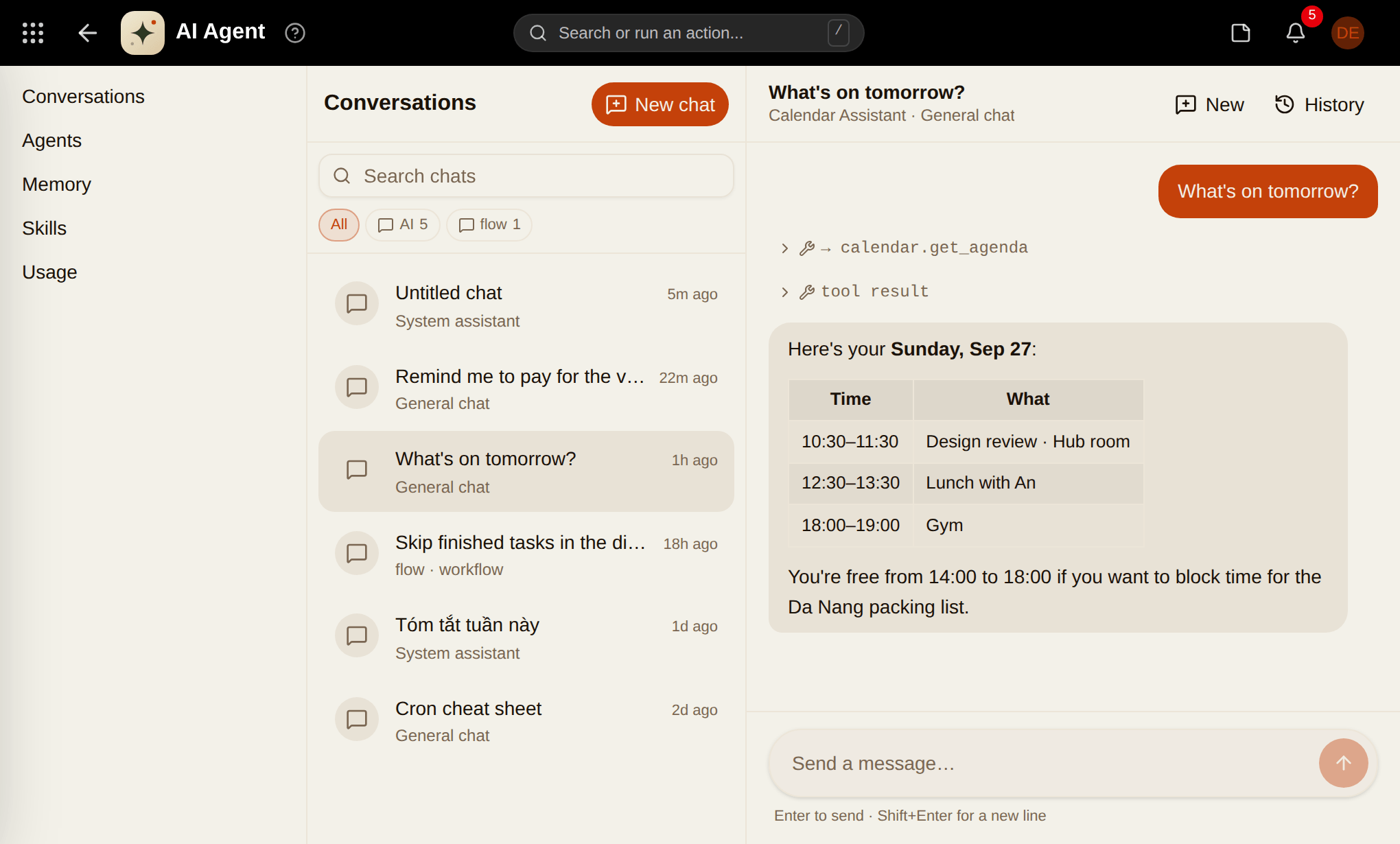
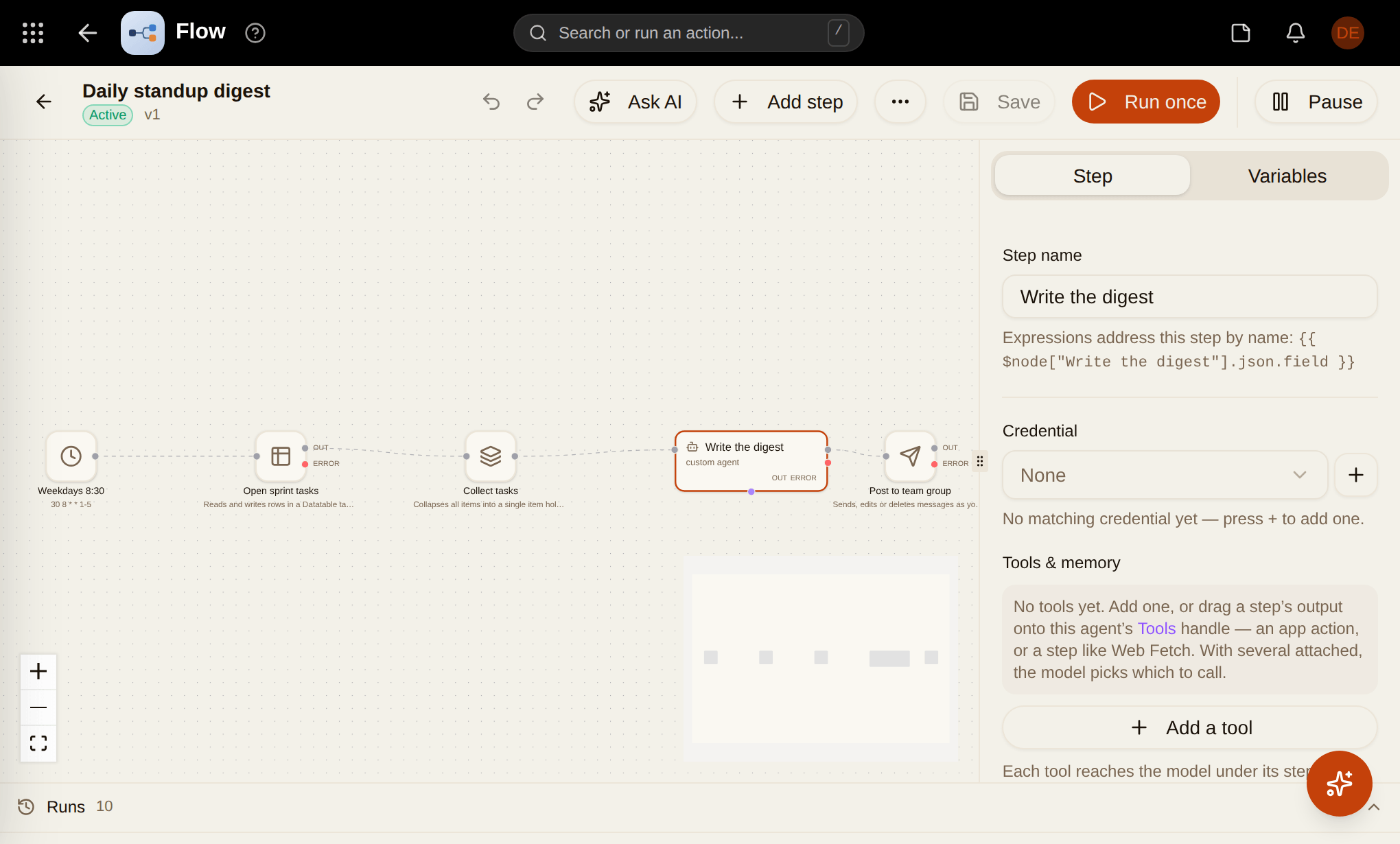
Automate with Flow
Triggers, steps and schedules in a visual editor. Let apps and AI do the repetitive work.
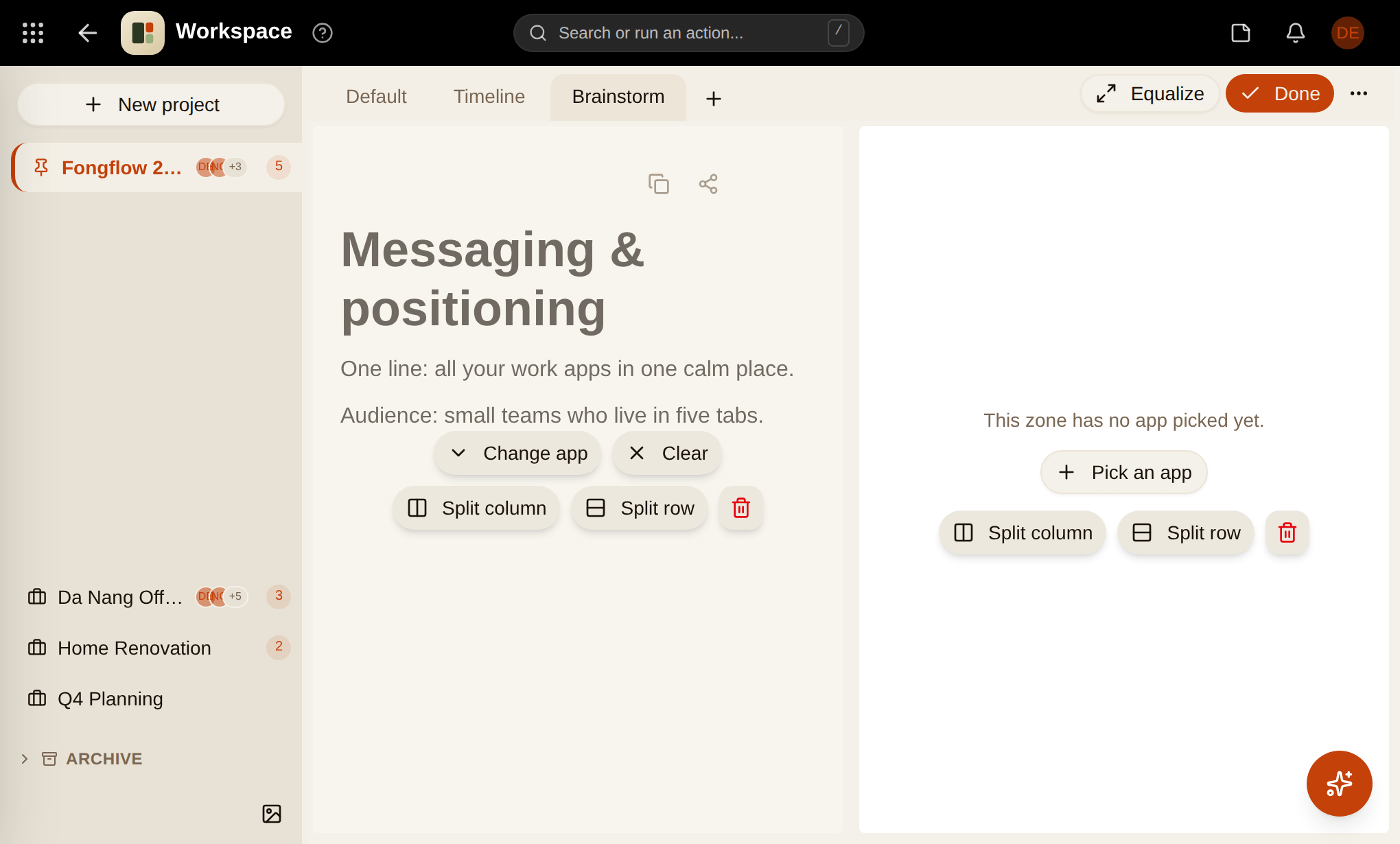
A dashboard you arrange yourself
Every app ships widgets. Drag them into the layout that fits your day, on any screen.
An assistant that
talks like a friend.
FoFo is the little bot in the corner of your workspace. It files your notes, moves your meetings and answers questions about your own stuff — and it'll roast your to-do list a bit while it's at it. Jokes are optional. Accuracy isn't.
On every page
Press ⌘J, or poke the little ball in the corner. It already knows what you have open.
In your pocket
Text FoFo on Telegram. A thought becomes a note, a chore becomes a todo.
Knows the whole crew
Notes, todos, calendar, money, news, Flow — FoFo hands the job to the right app and reports back.
Remembers you
Tell it once that you're off on Fridays. It won't book you a Friday standup.
Real apps.
Real screens.
No mockups — these are the actual apps as your team will see them. Pick one to look around.
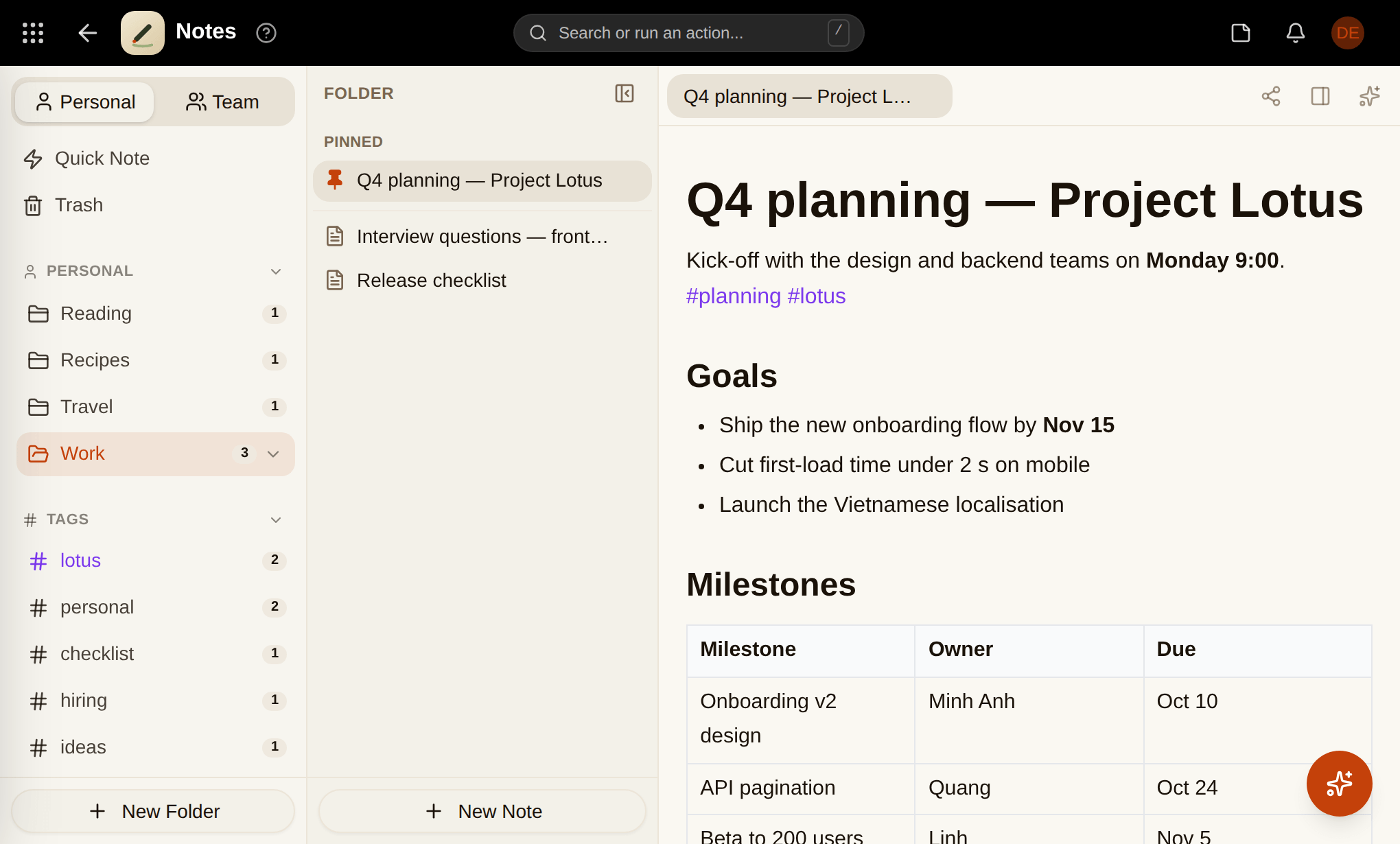
Pick your apps.
Build your flow.
34 apps that share one login, one search and one design. Install what you need, skip what you don't — each app only loads when you open it, and lands on your dashboard as a widget.
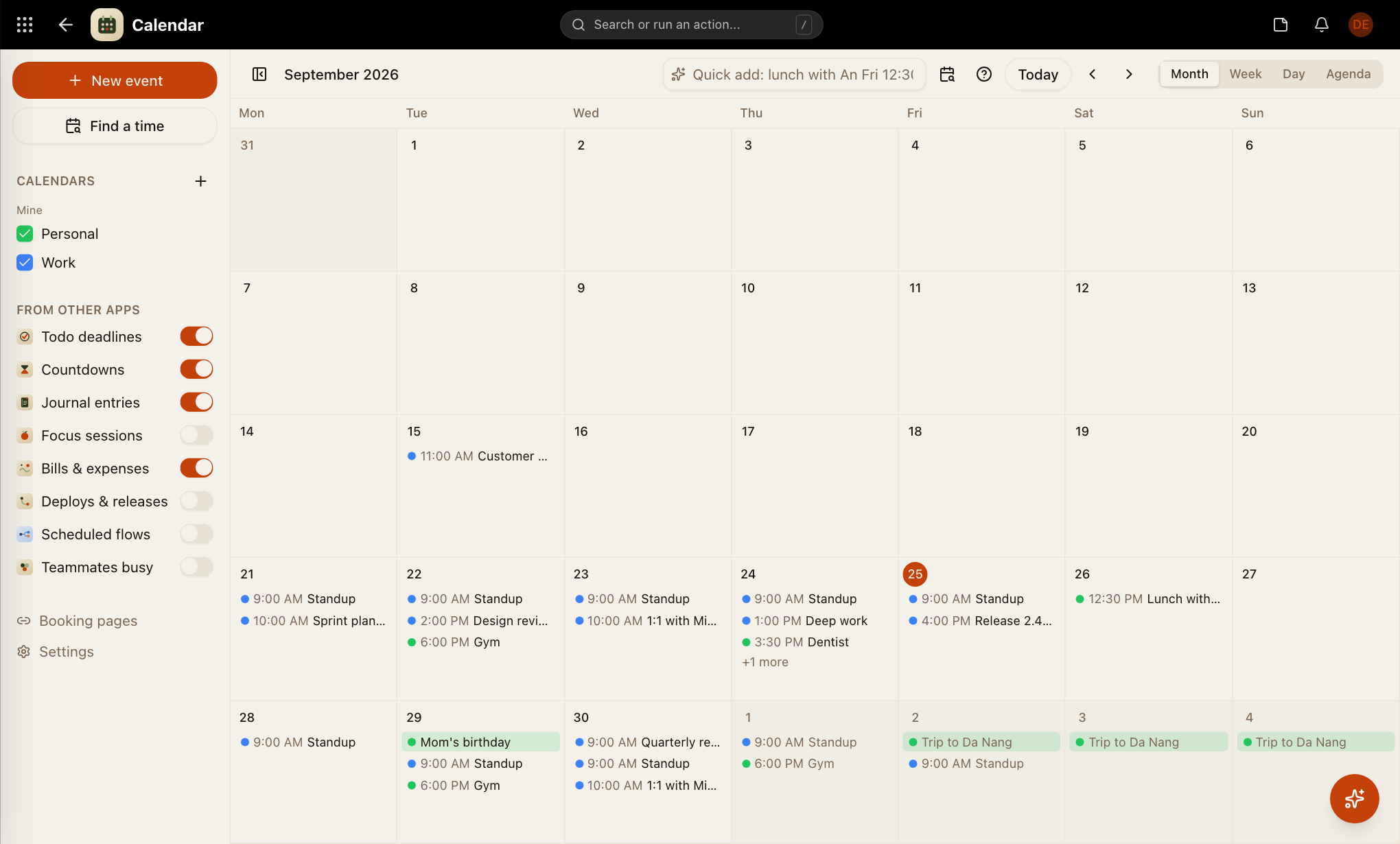
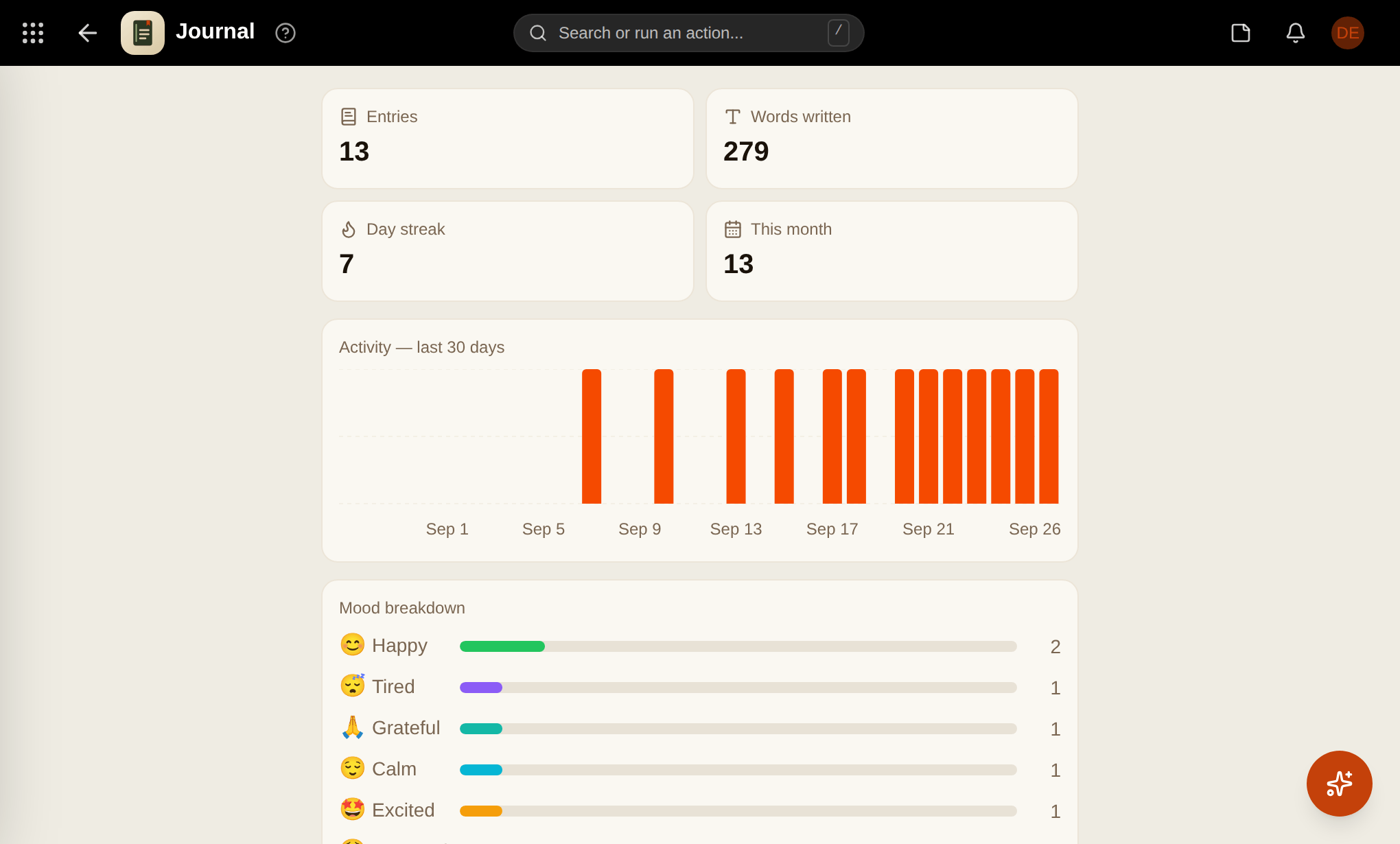
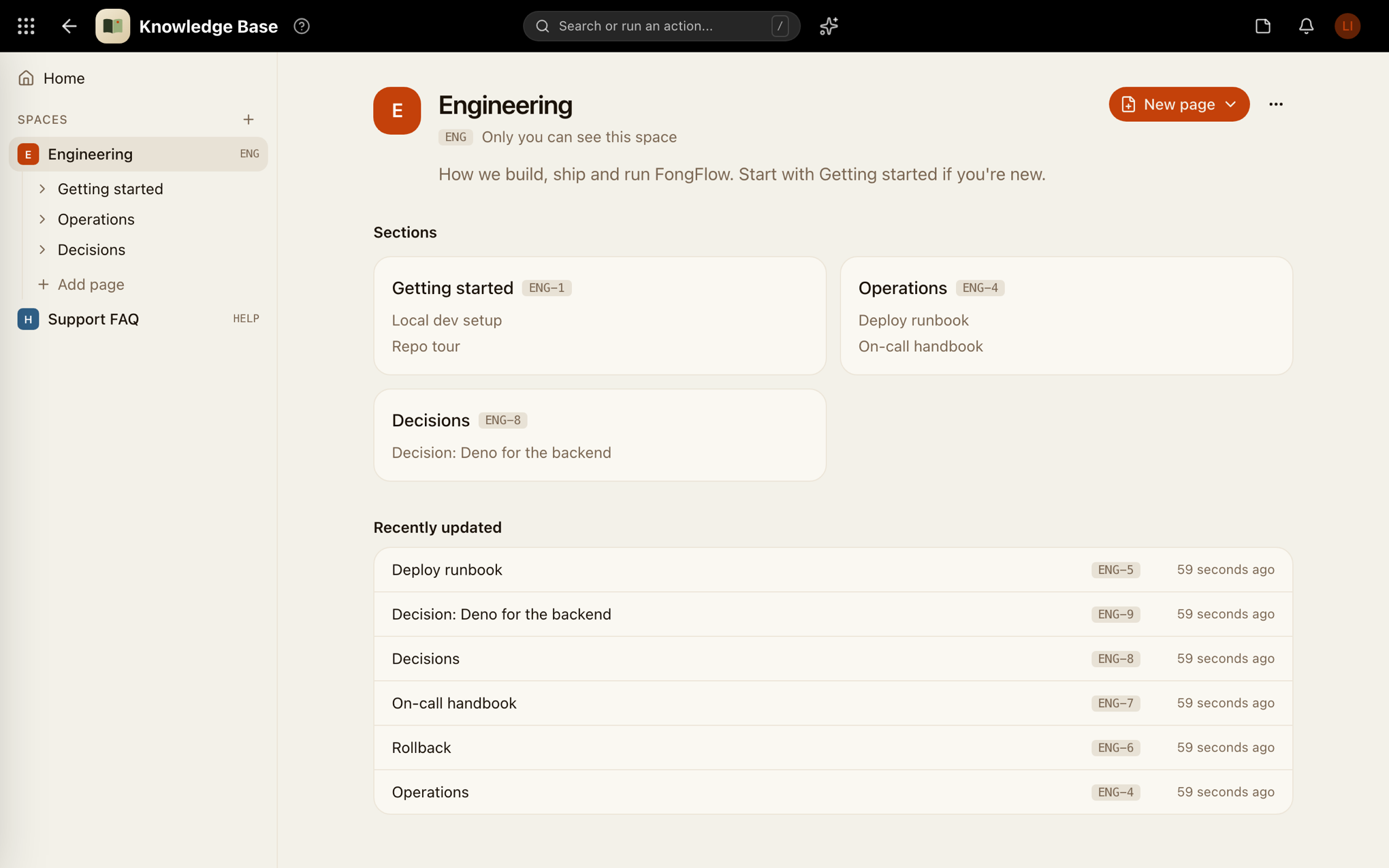
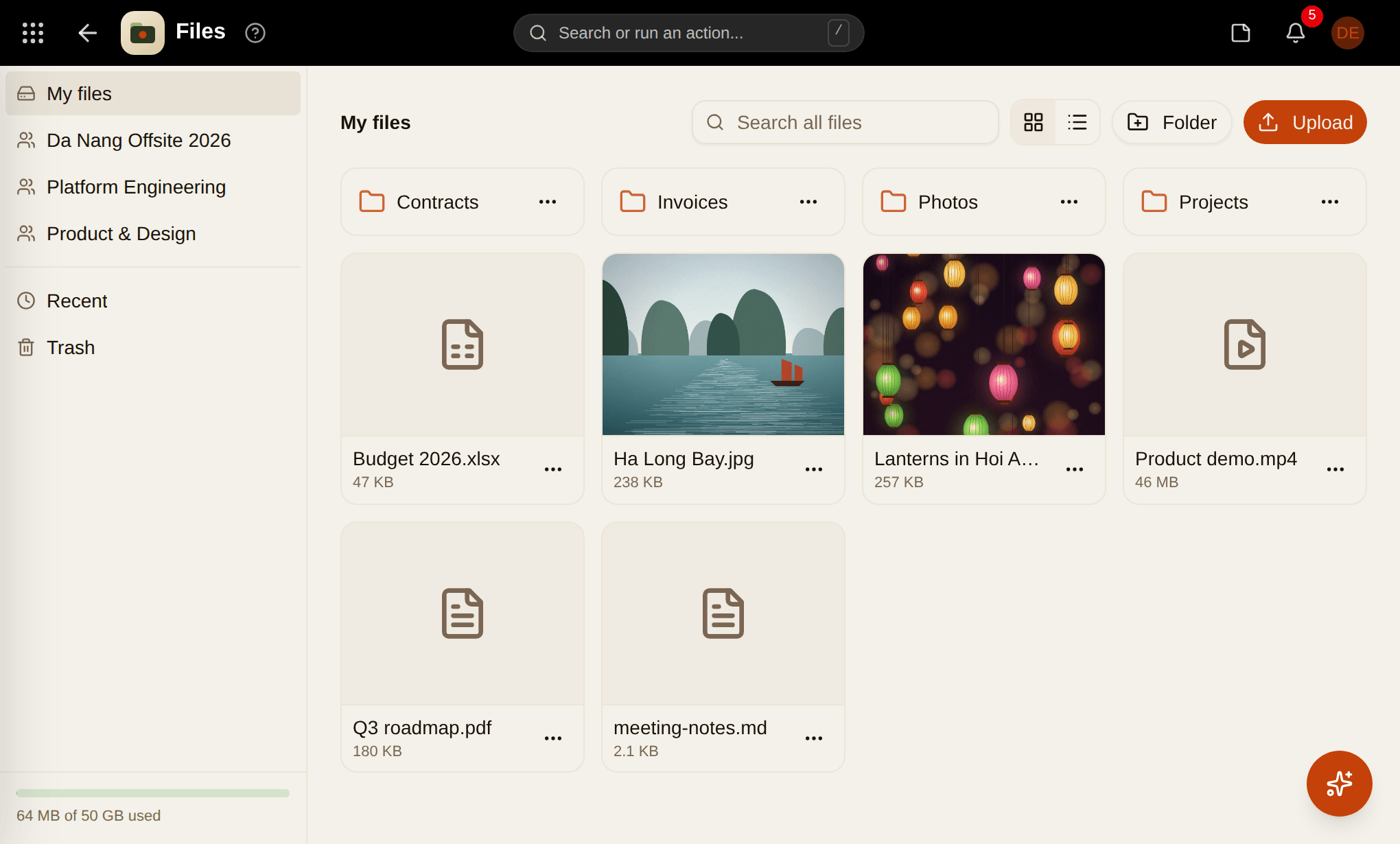
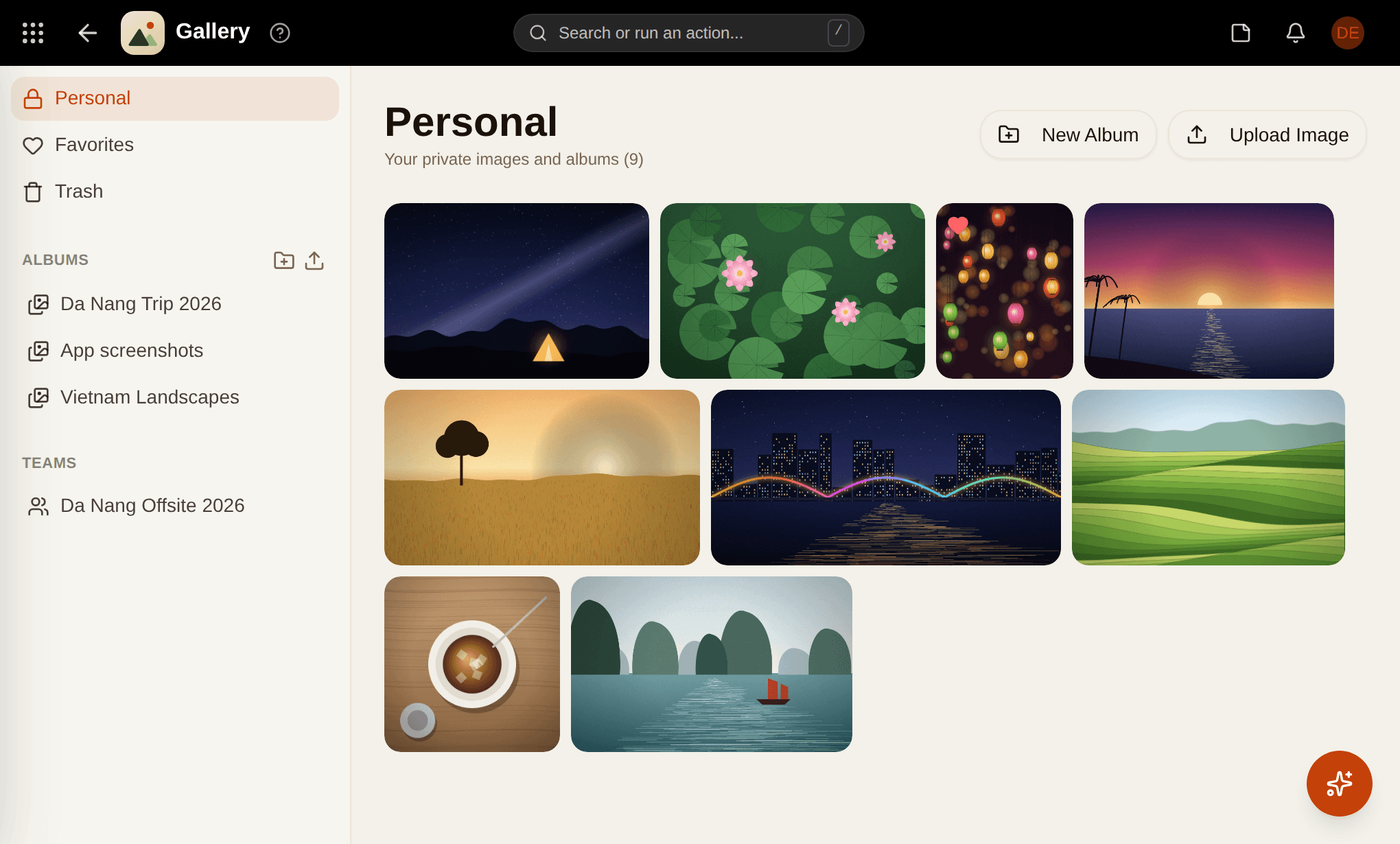
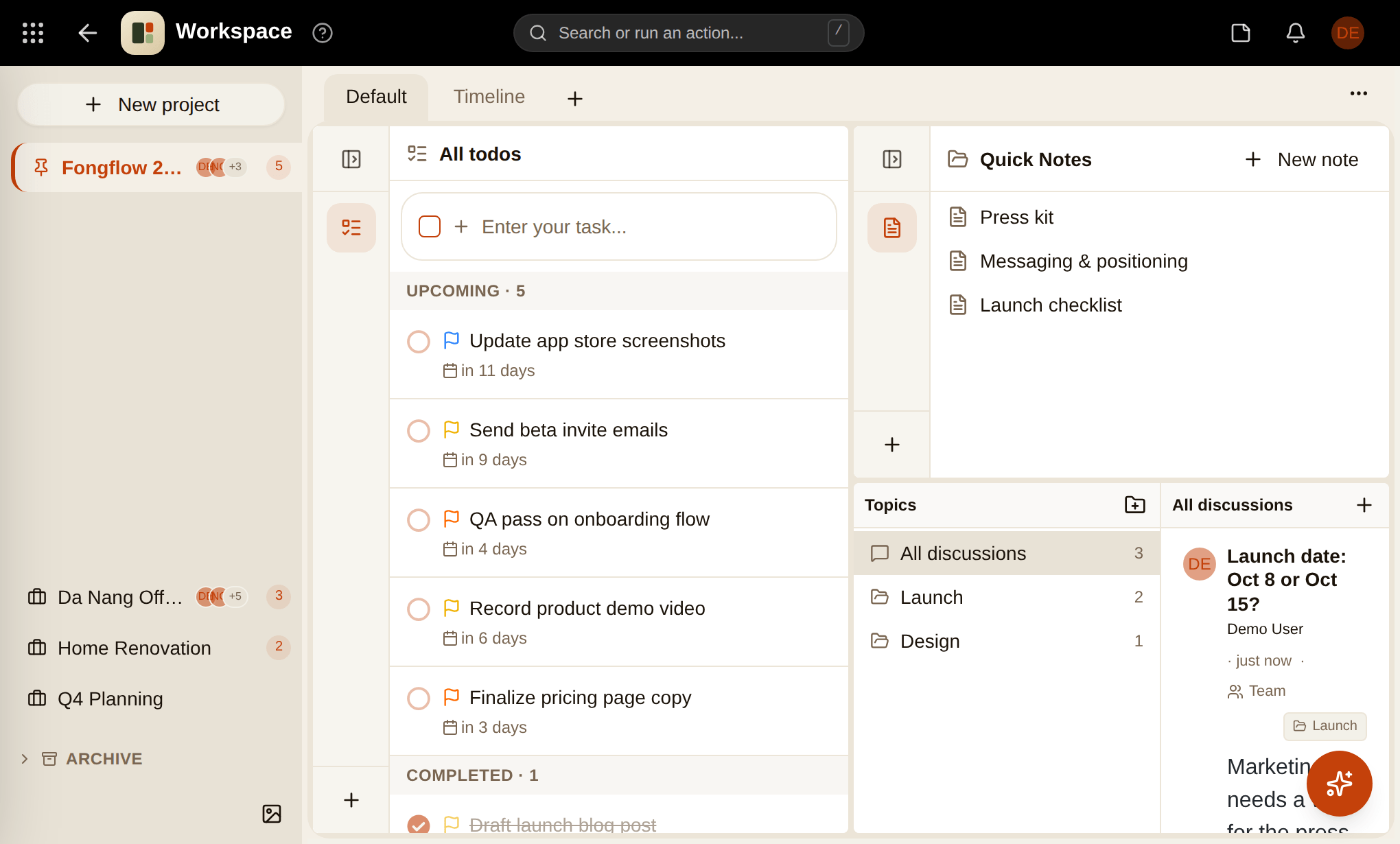
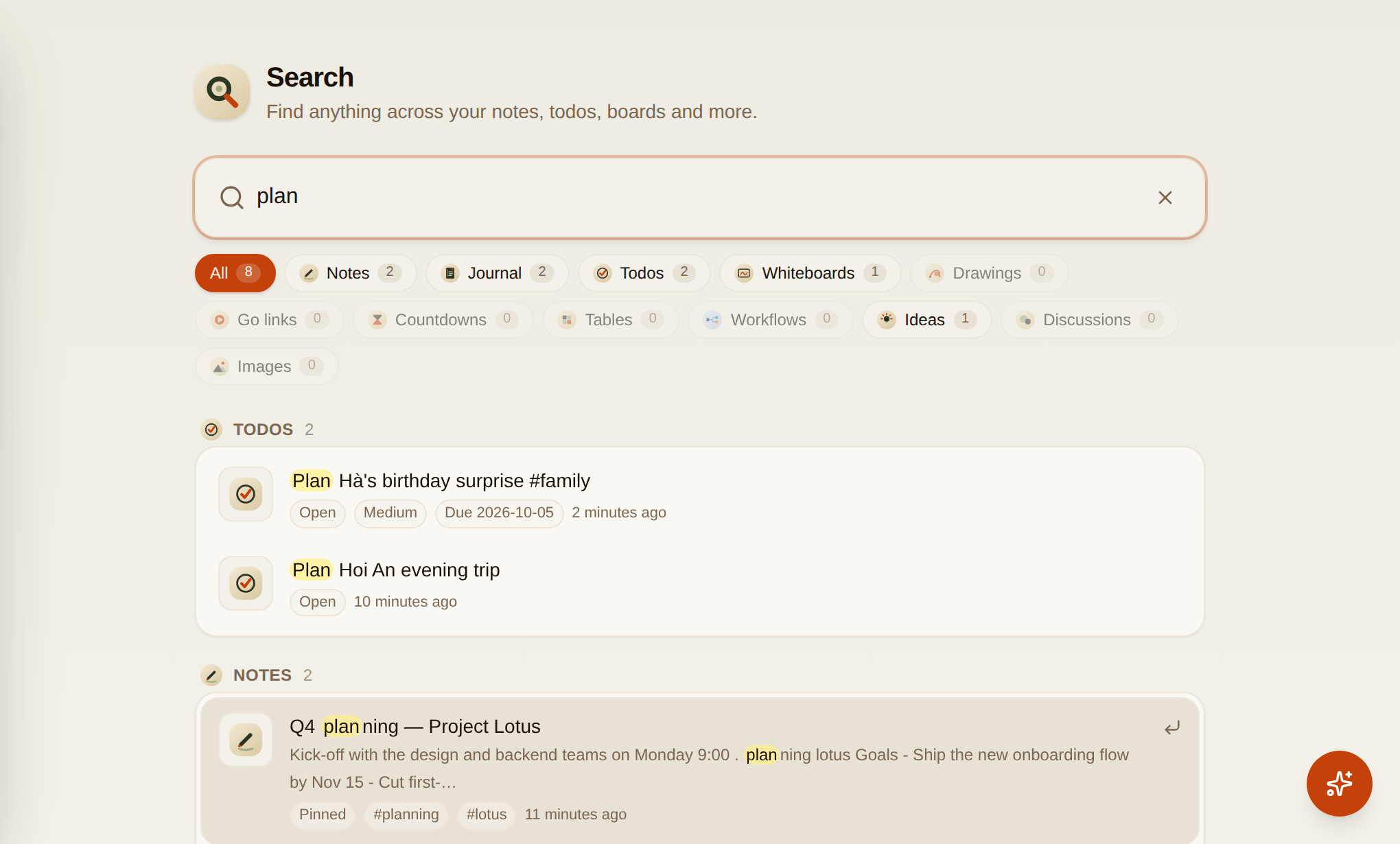
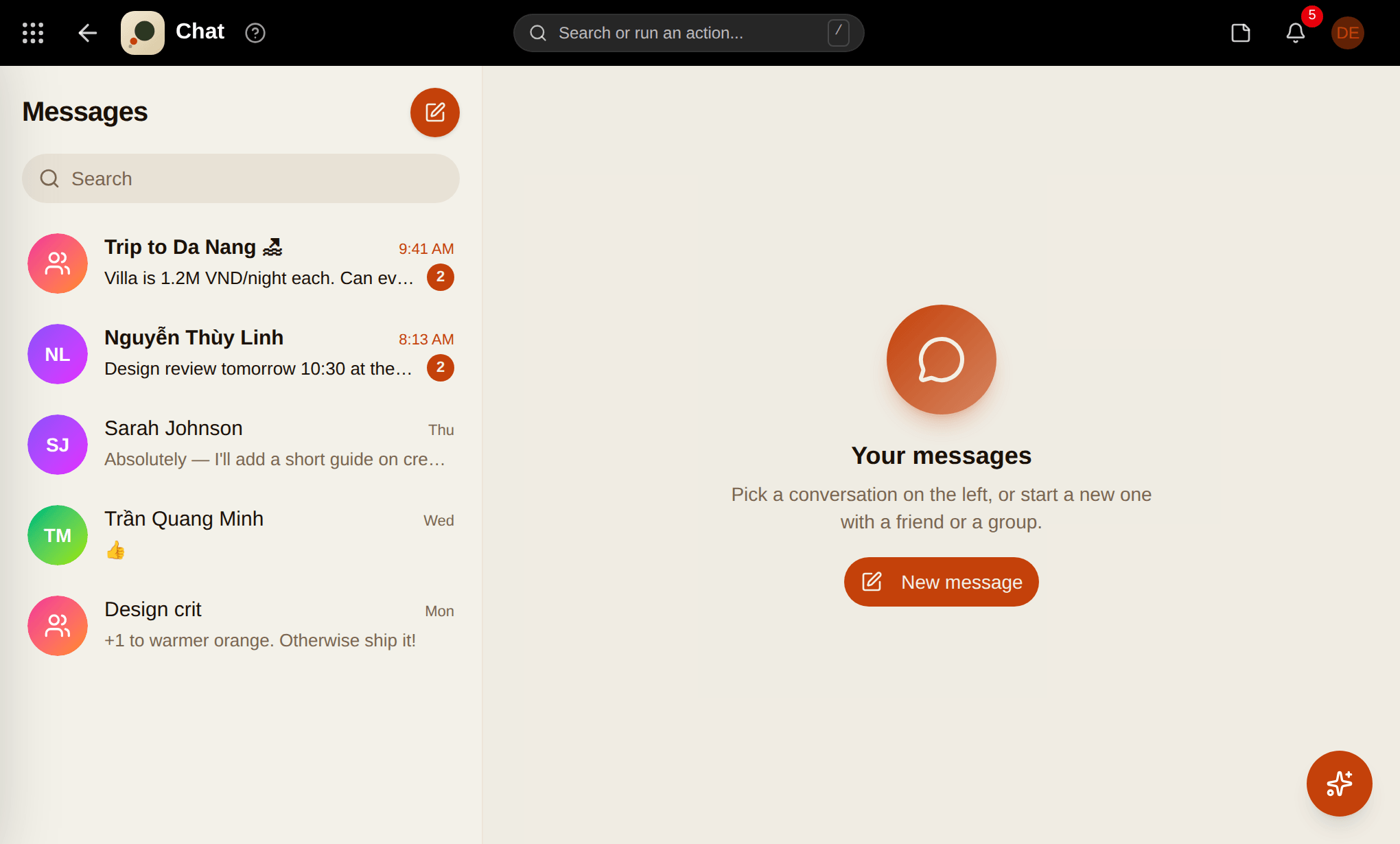
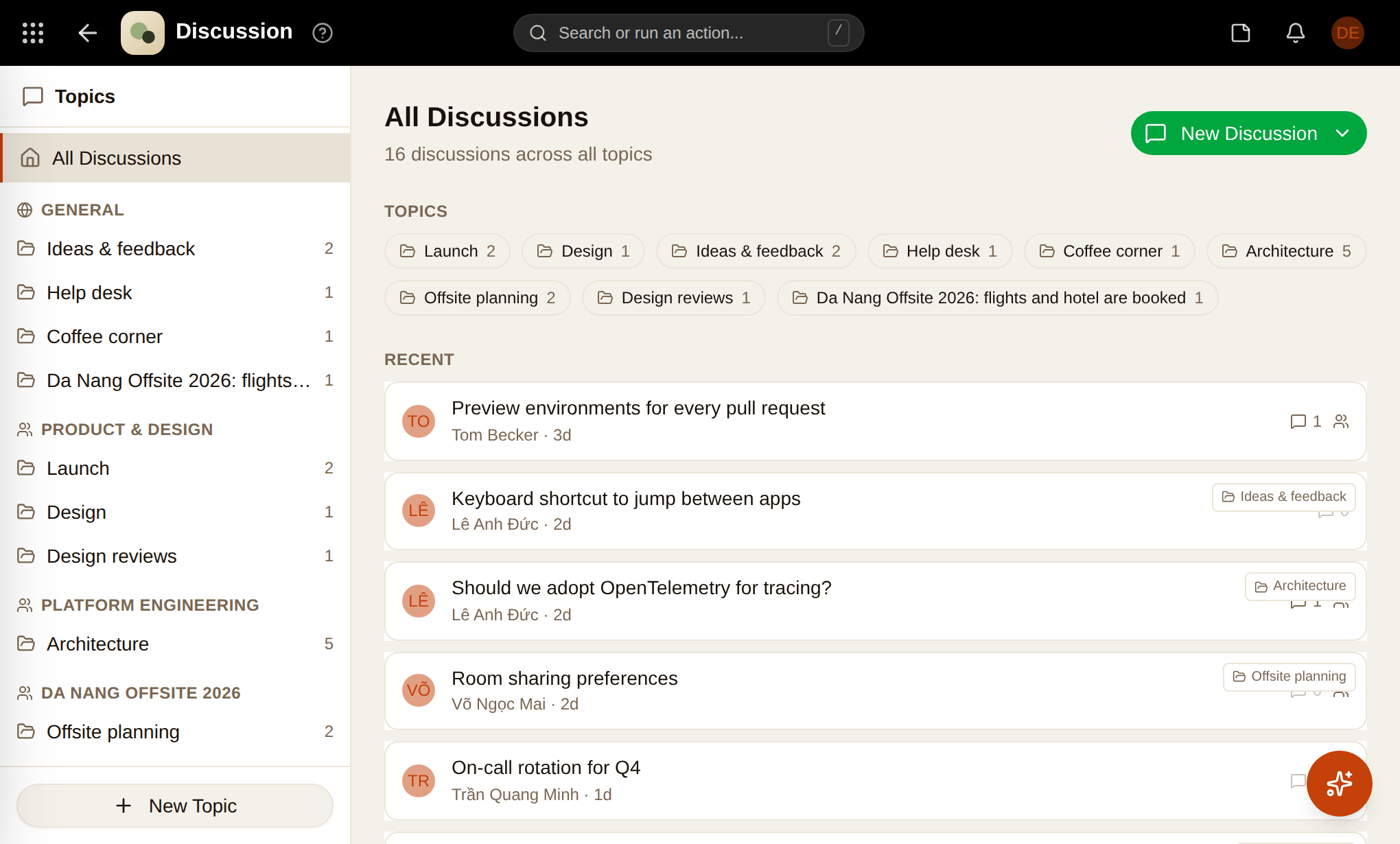
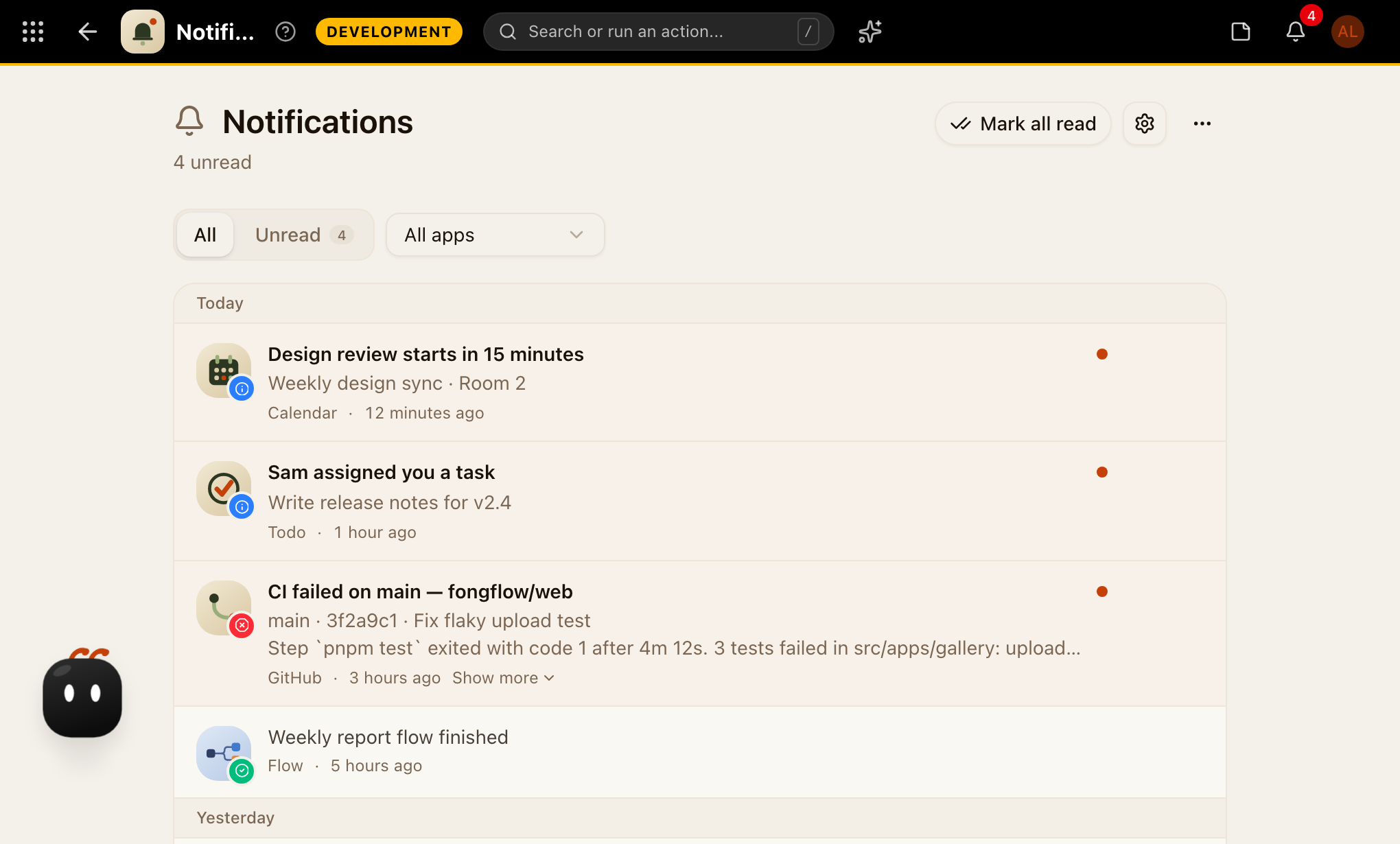
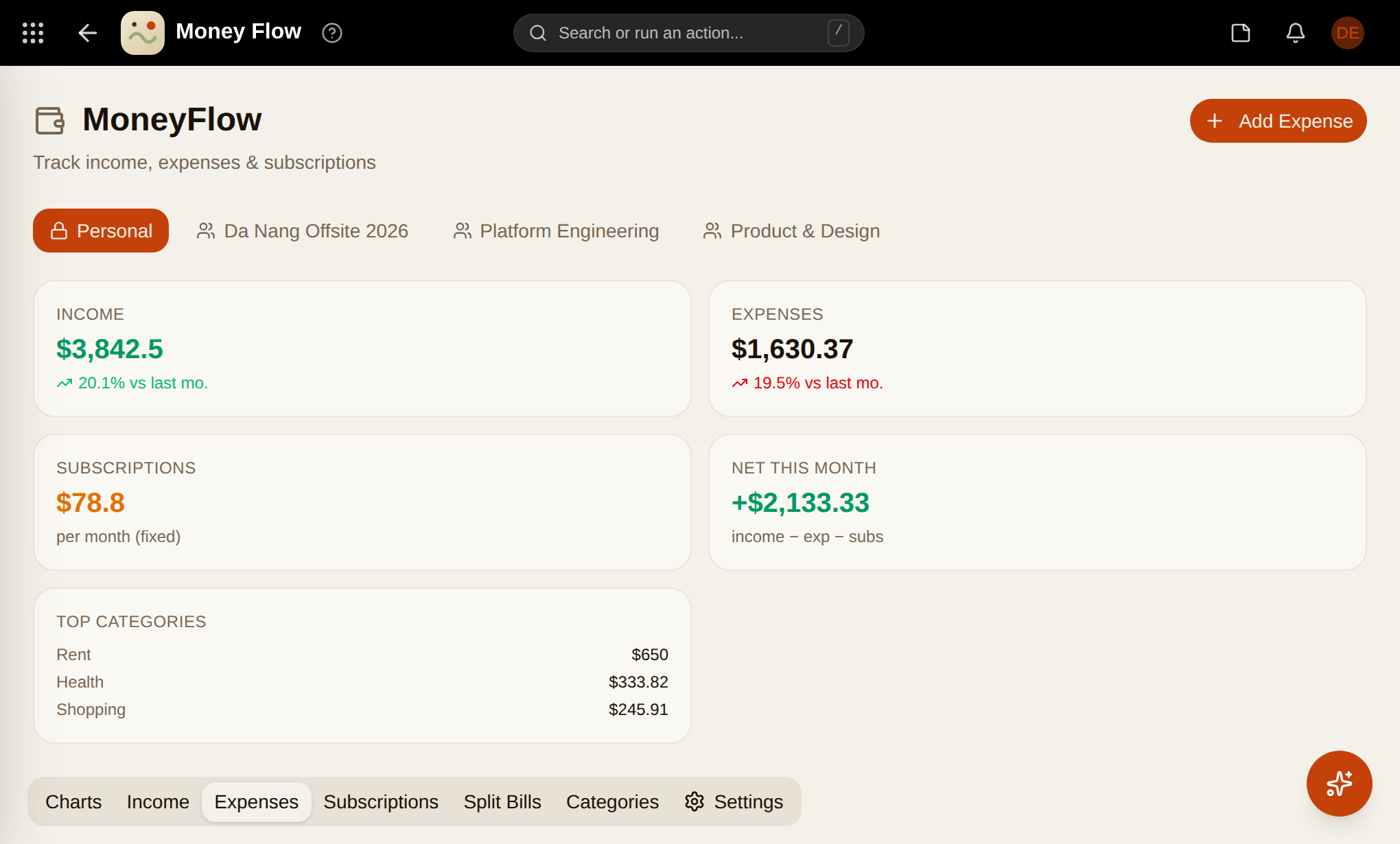
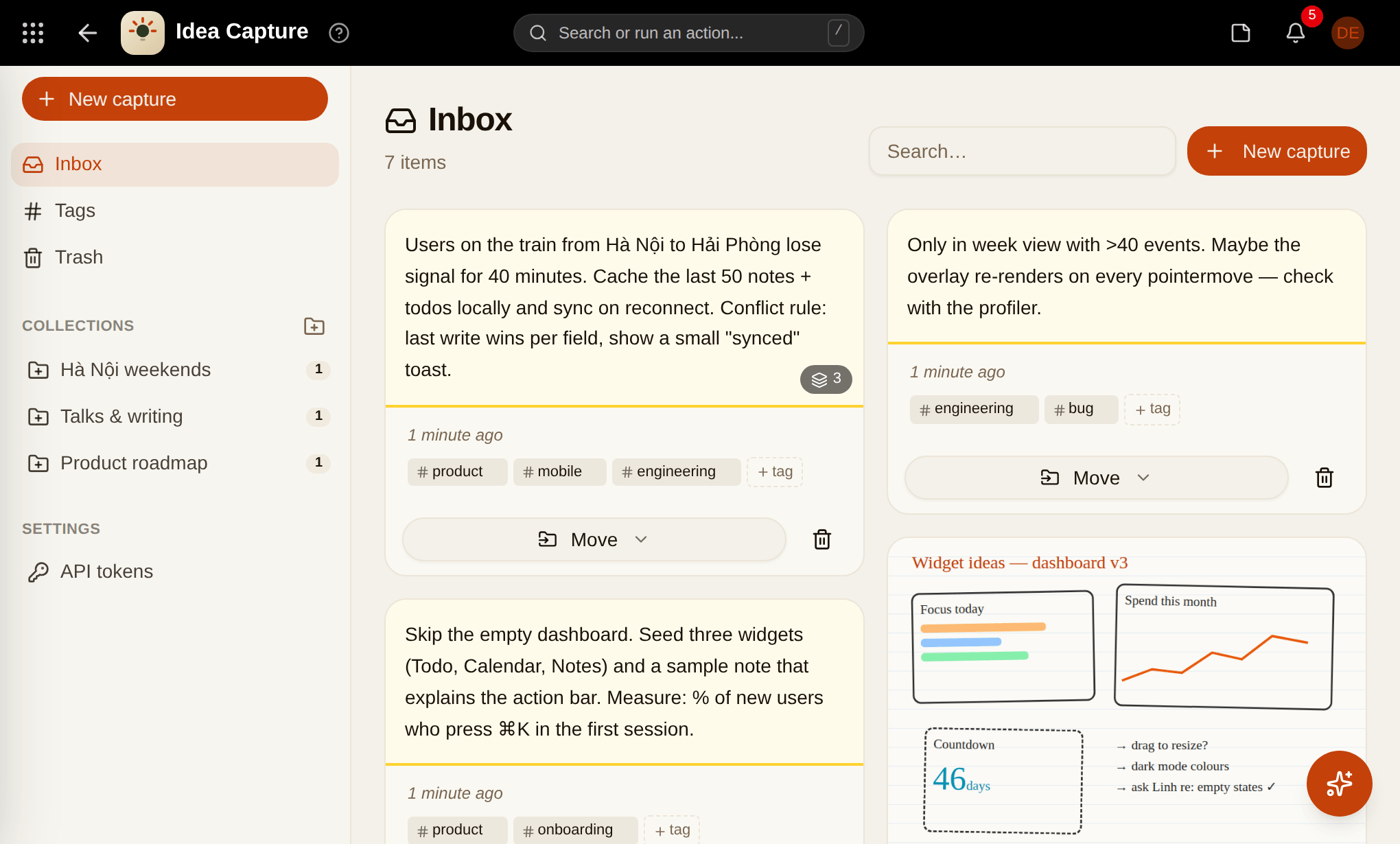
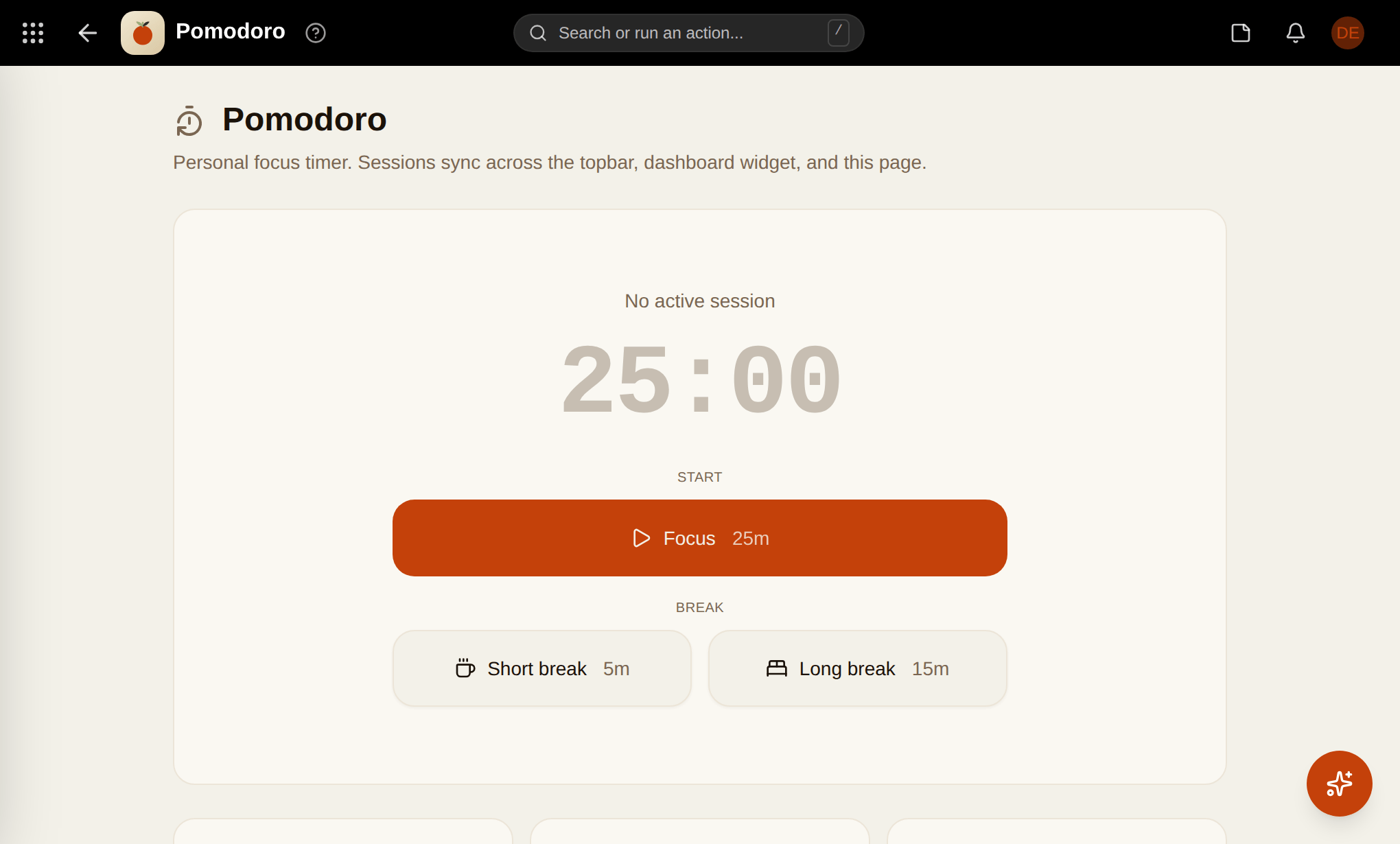
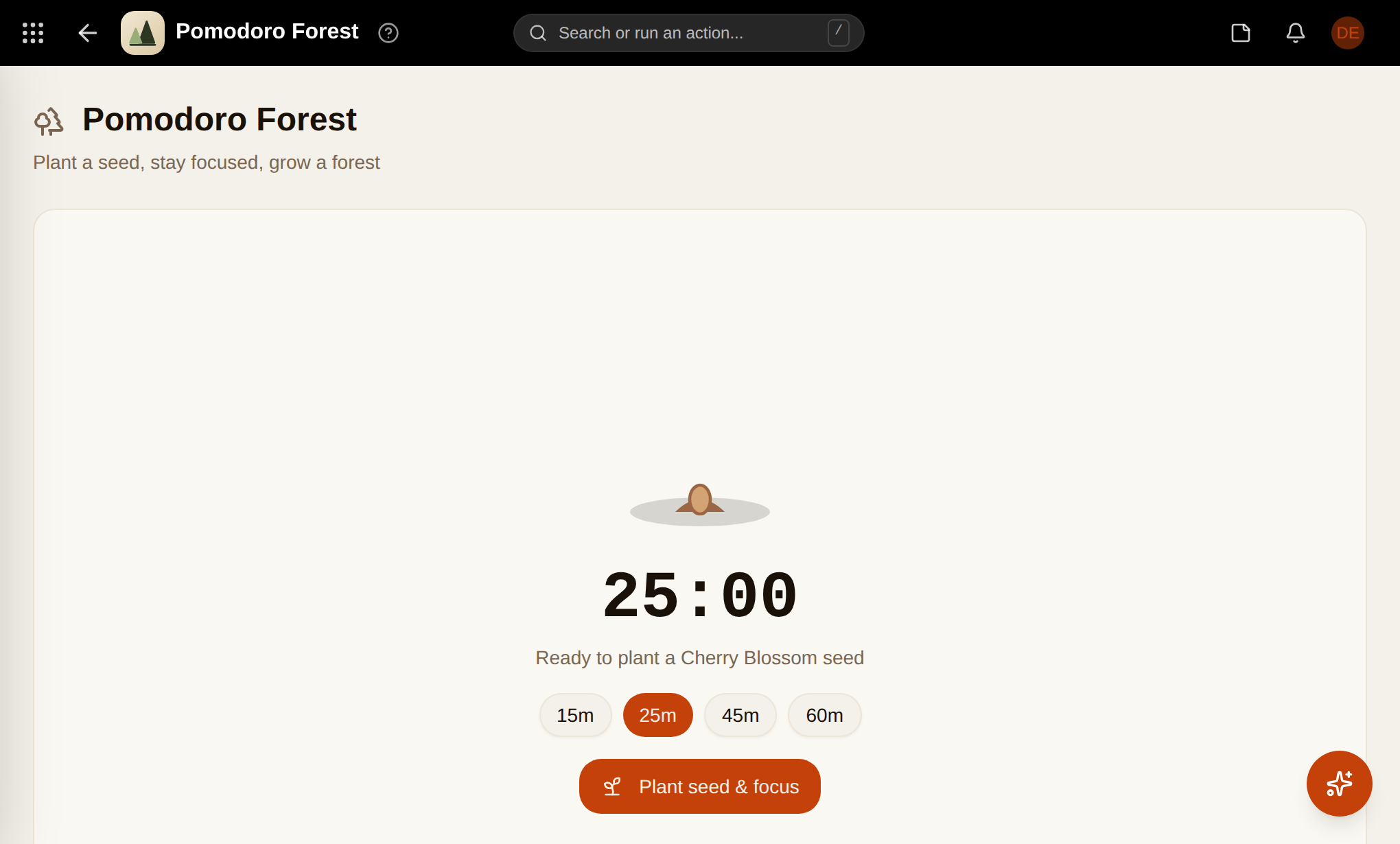
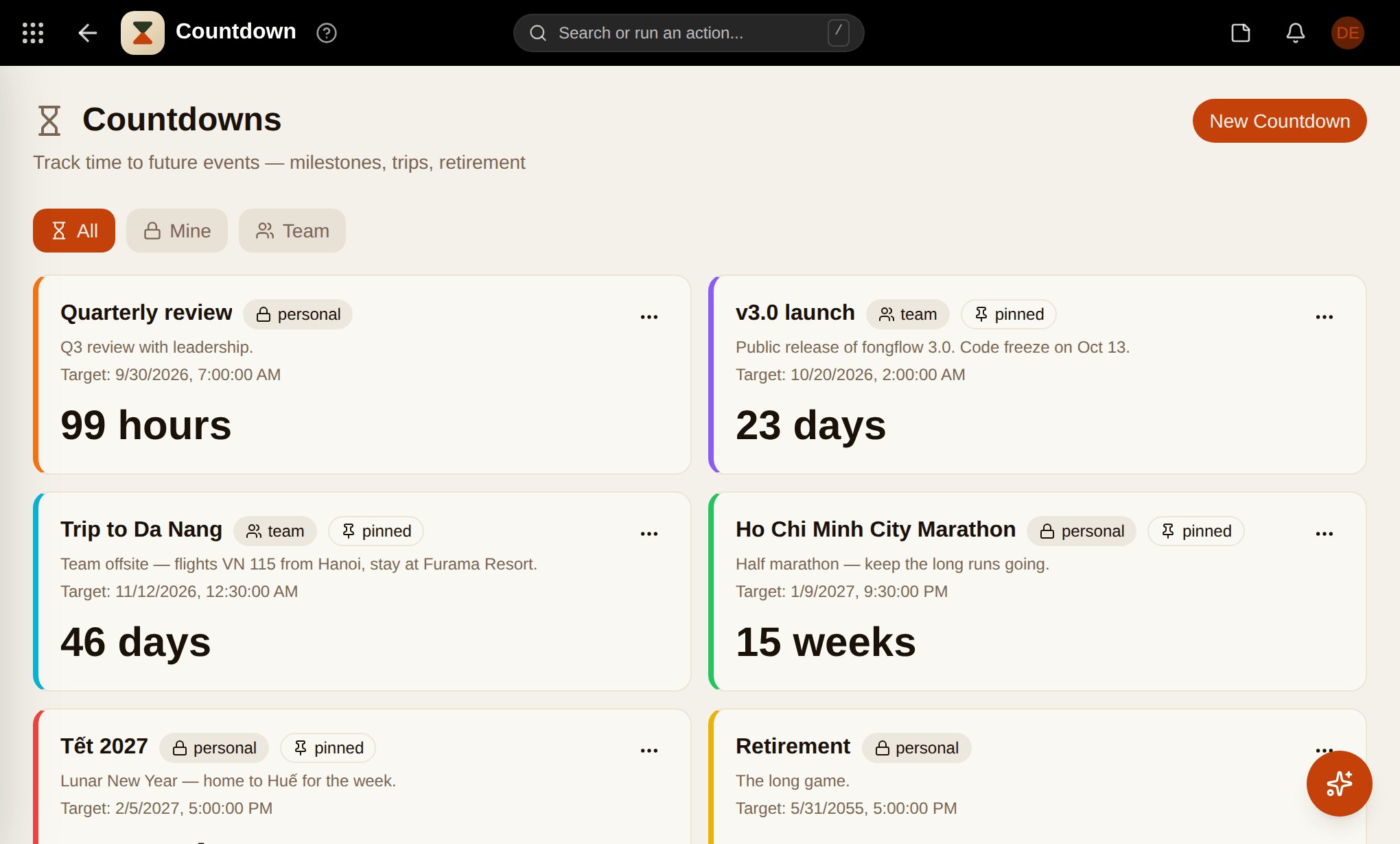
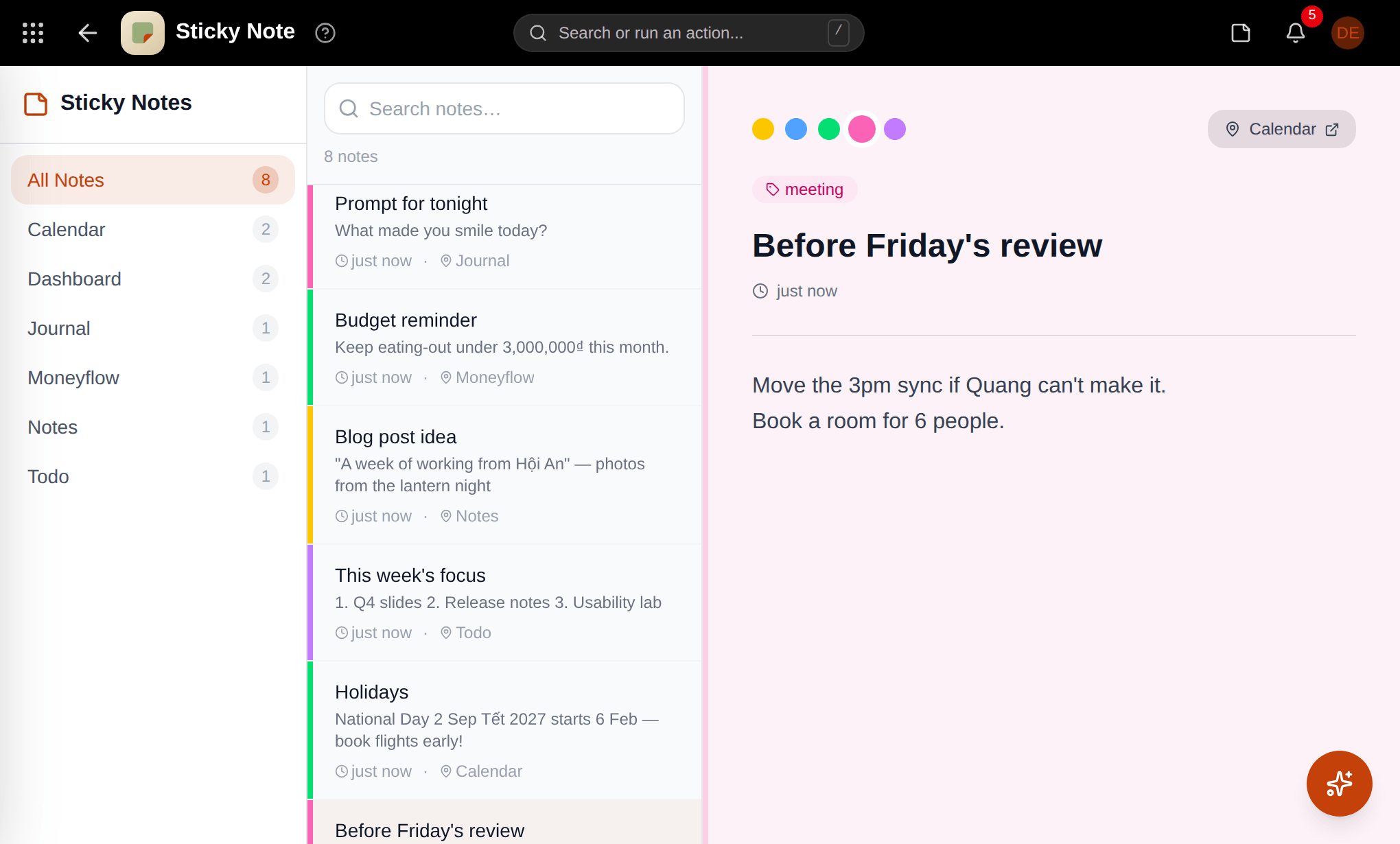
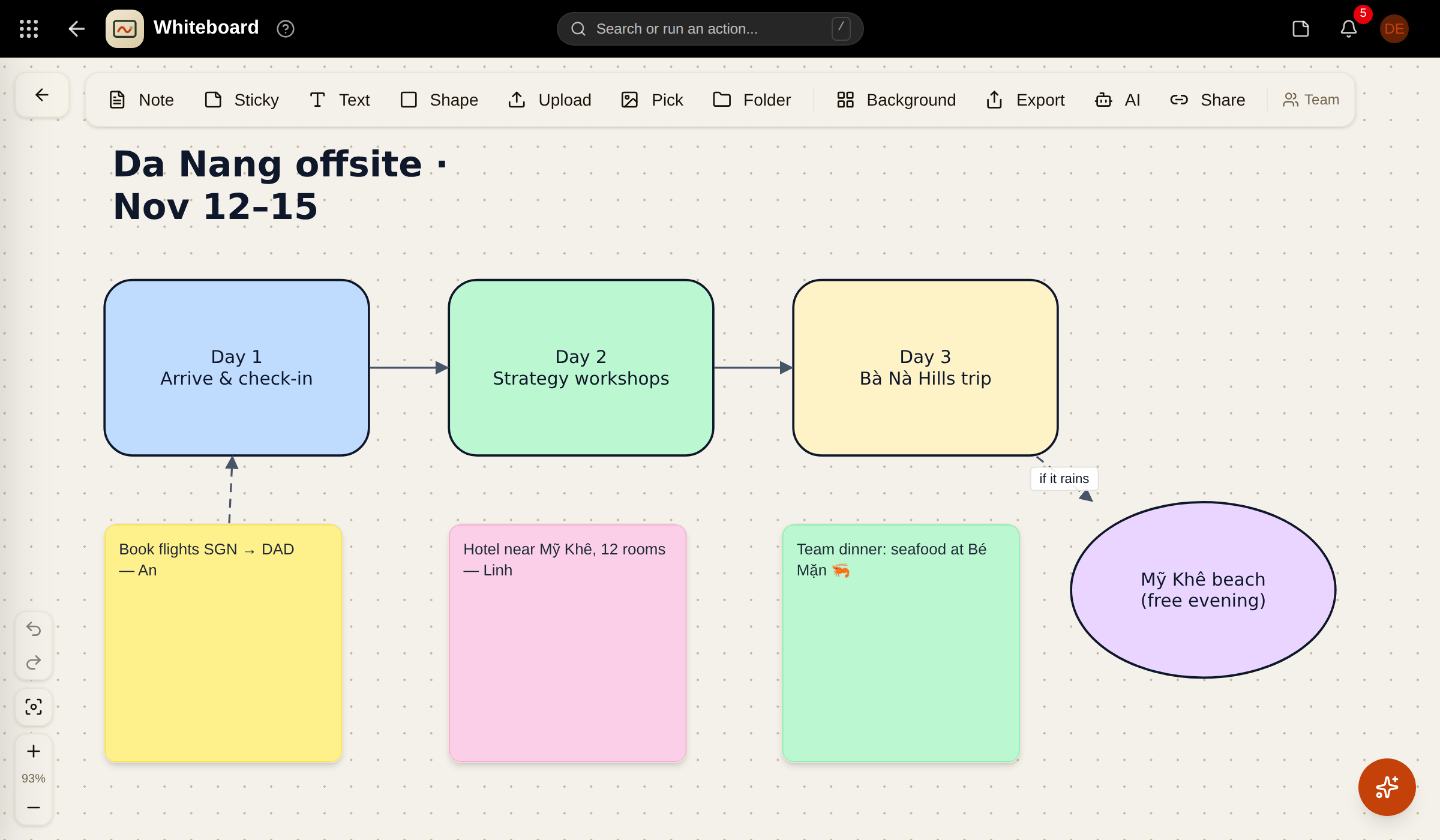
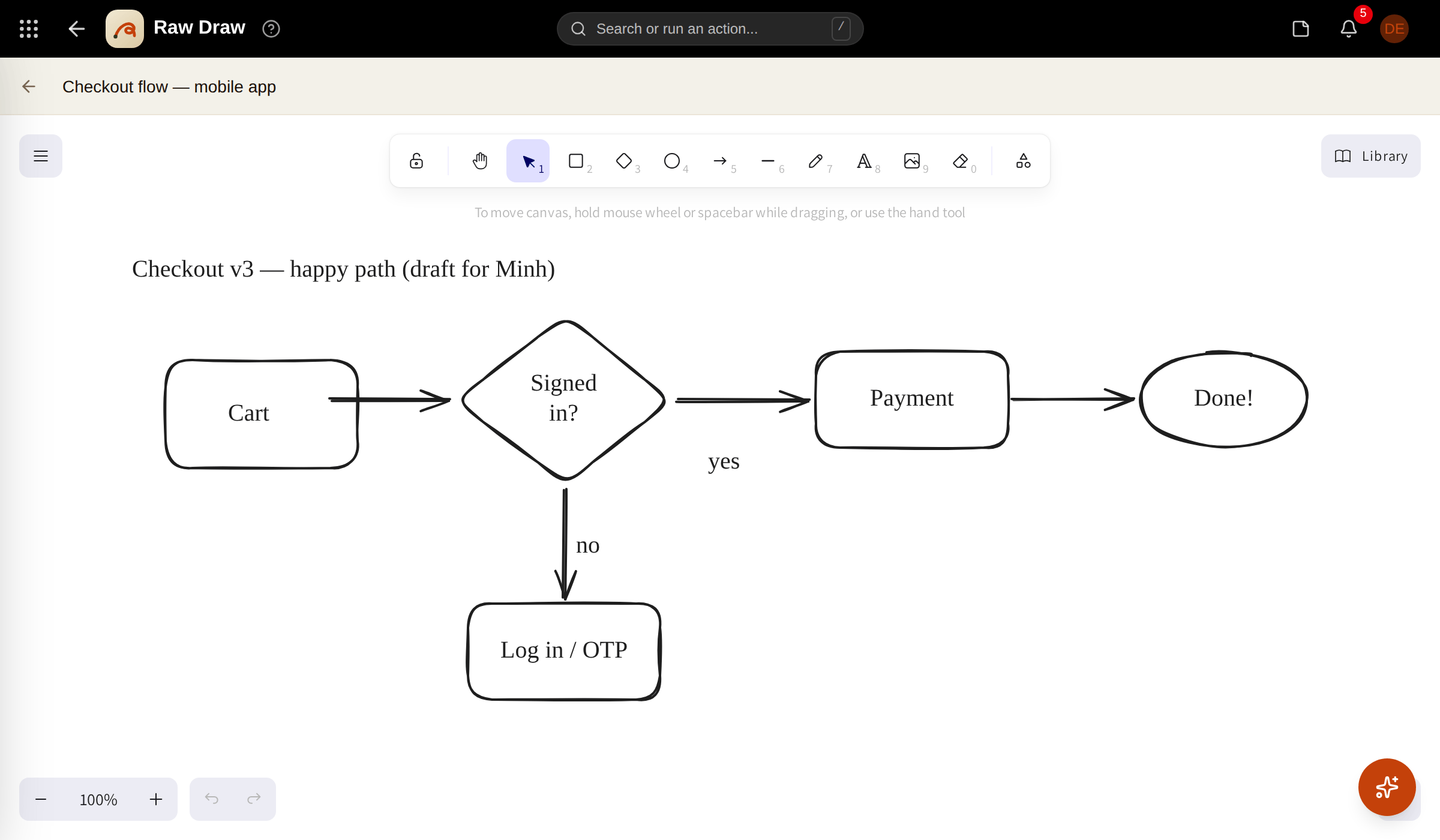
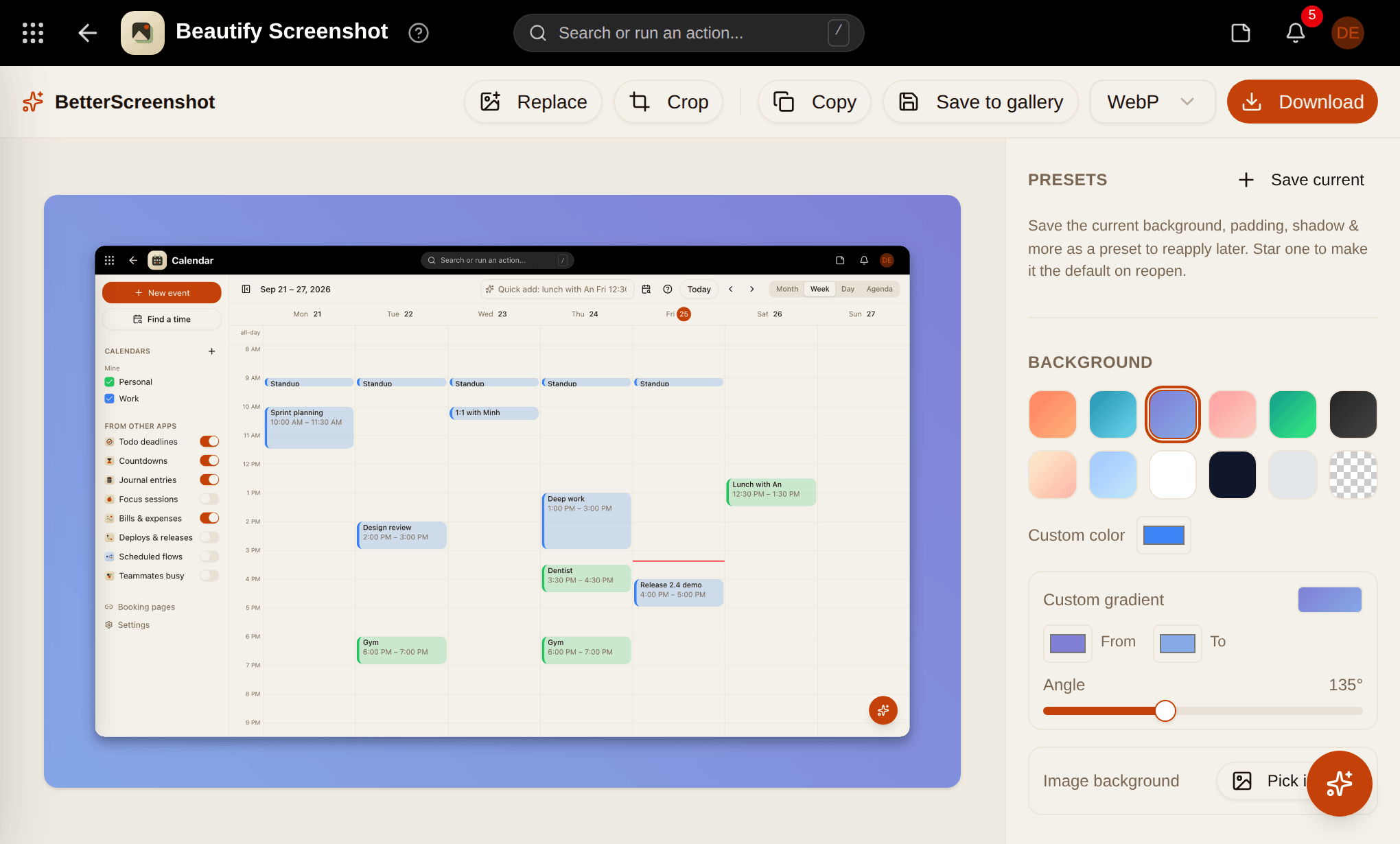
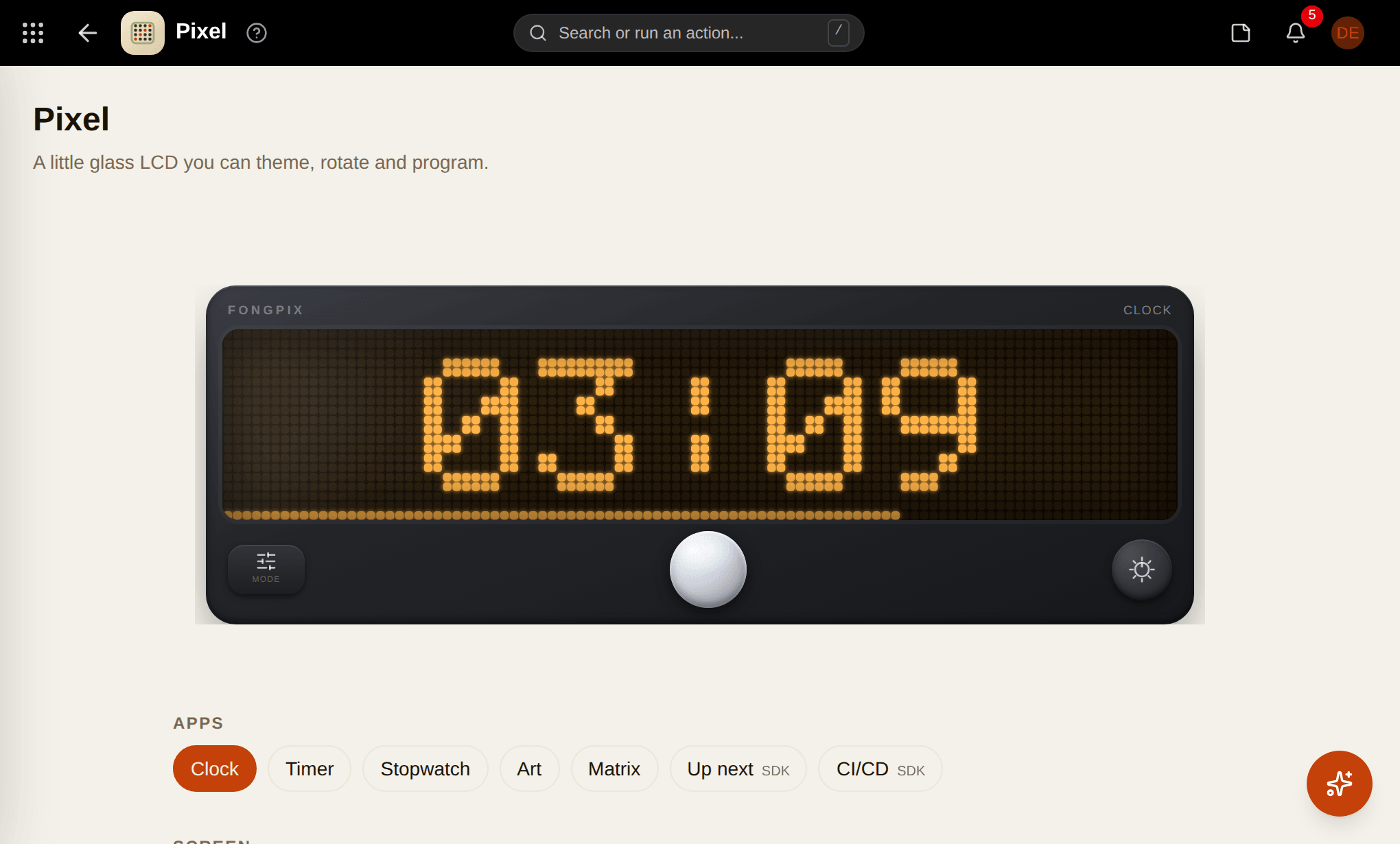
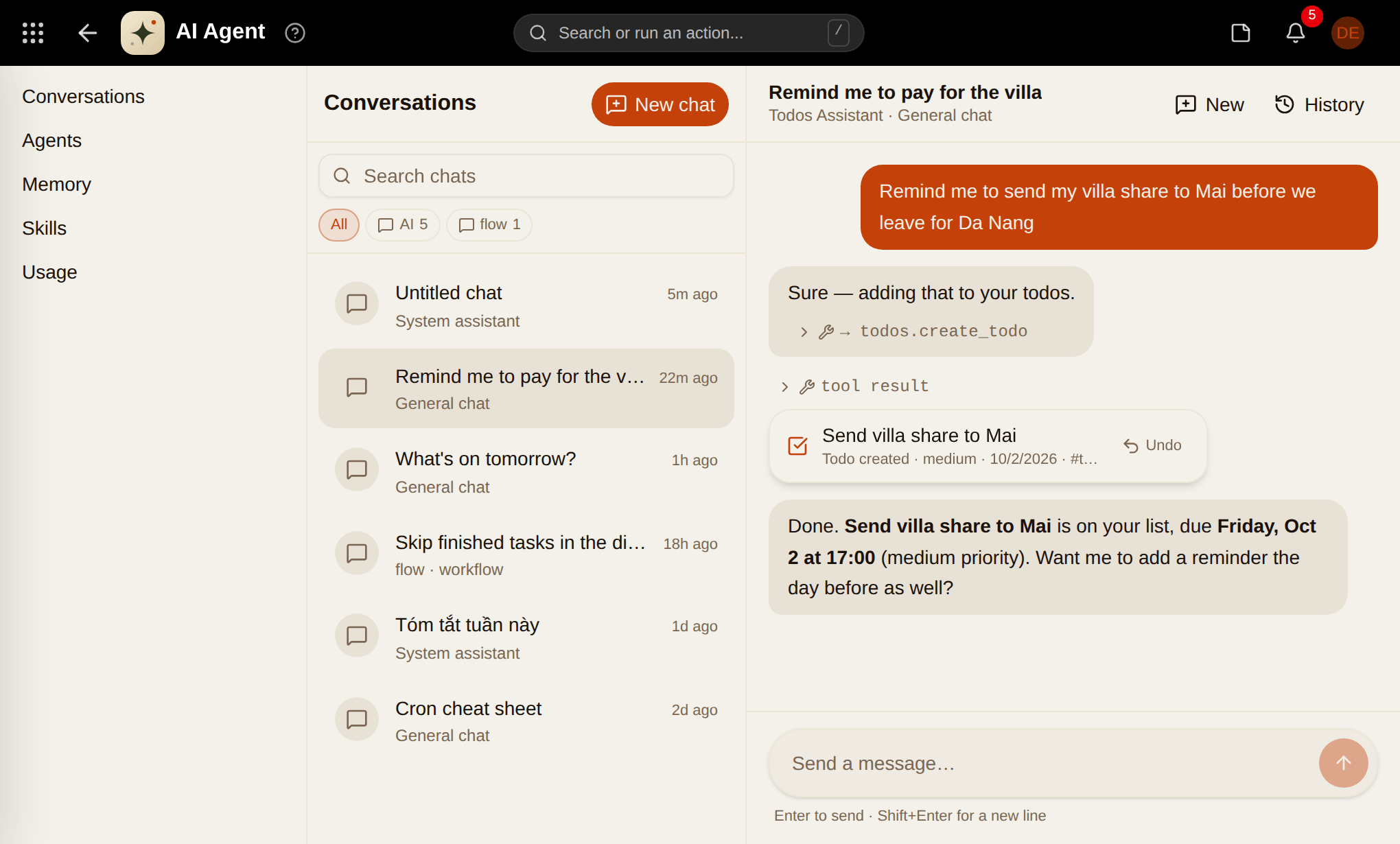
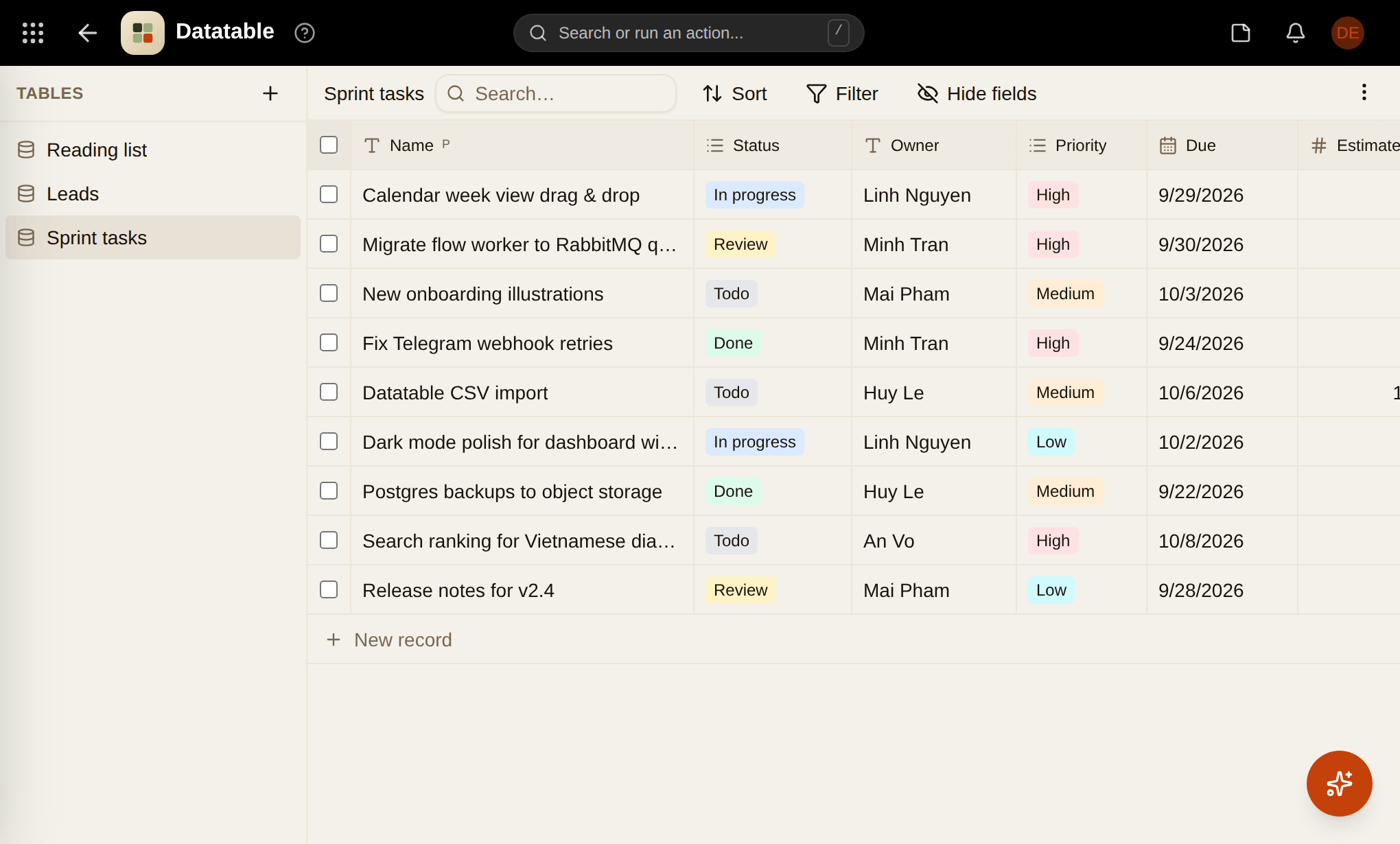
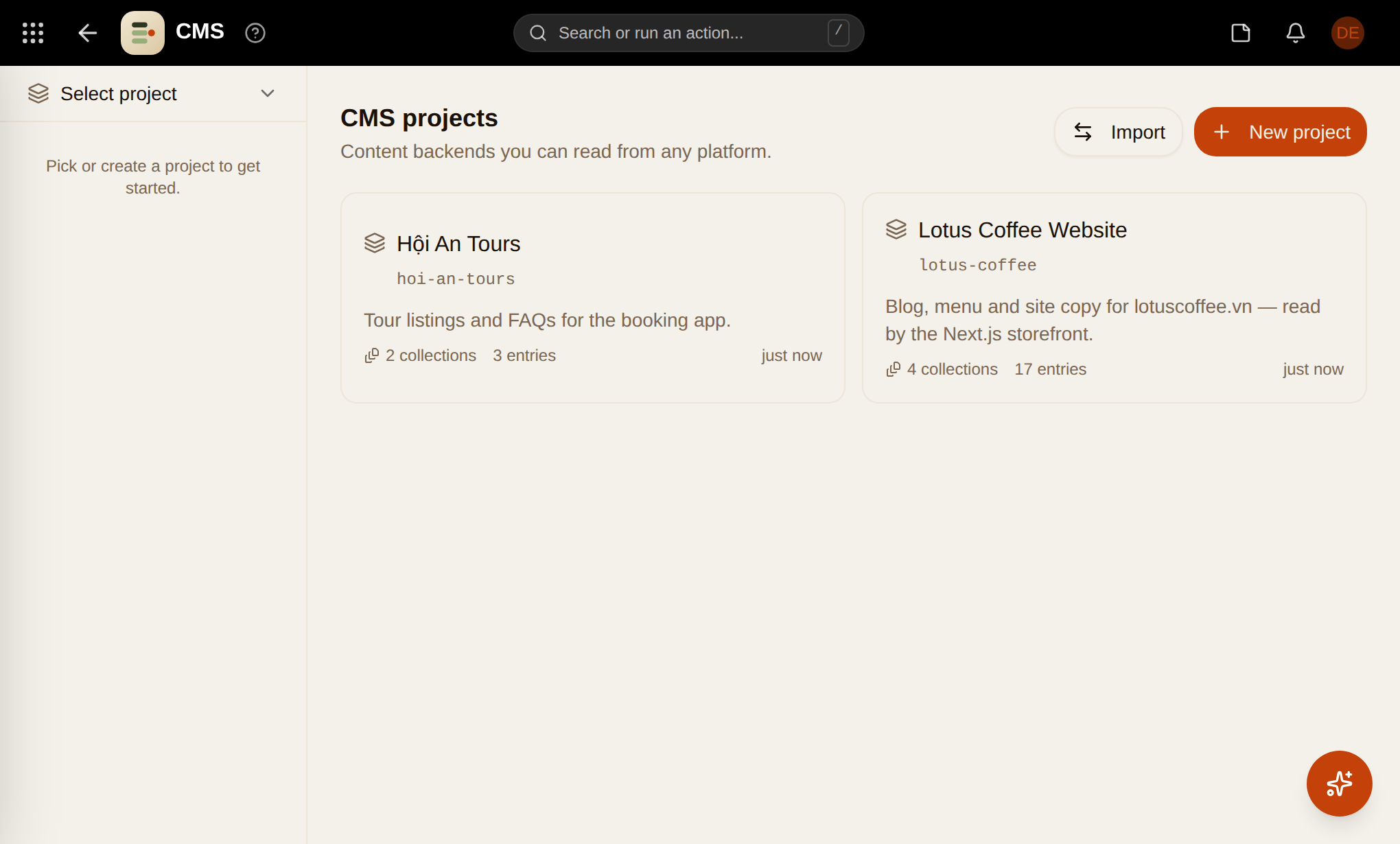
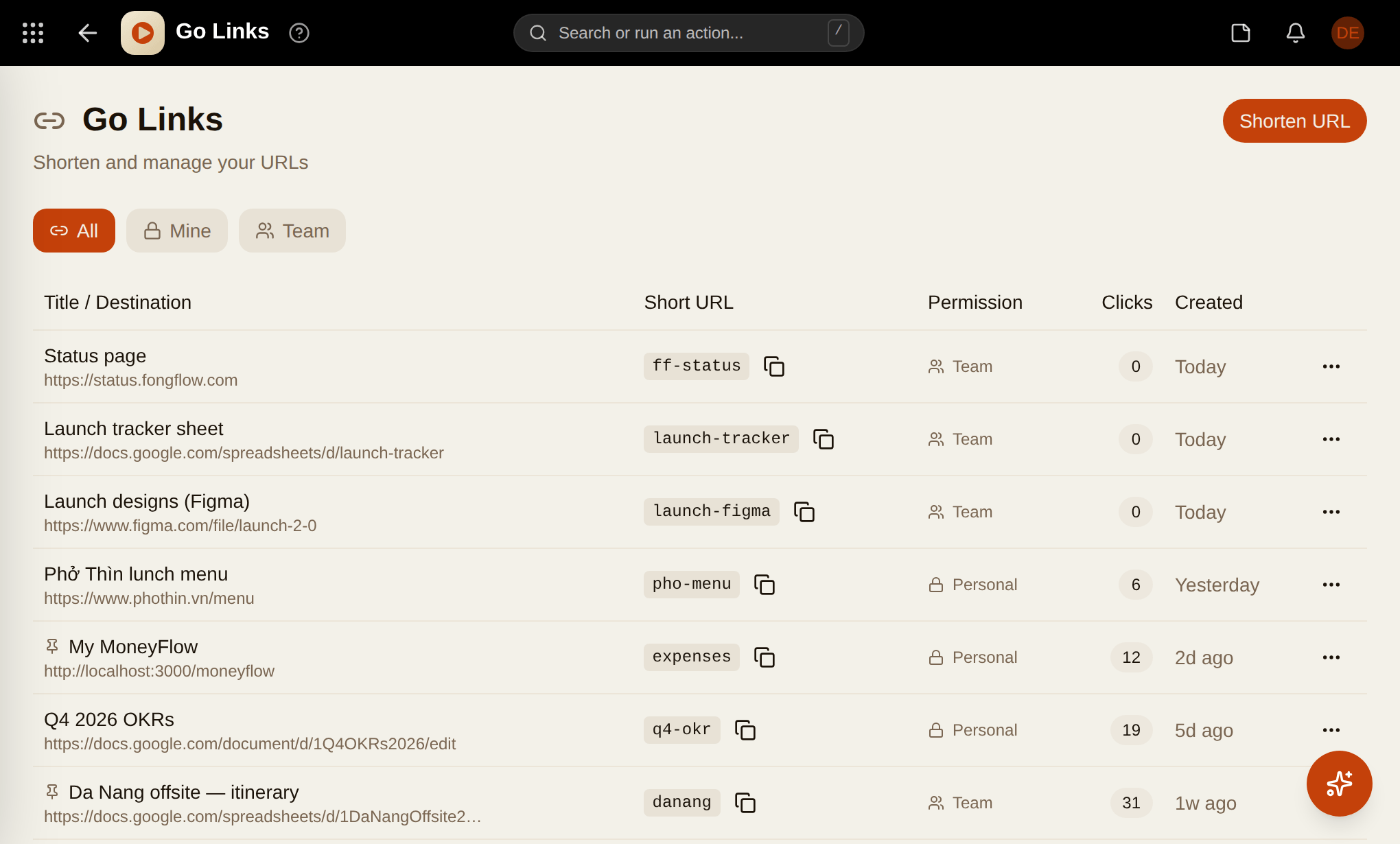
New apps ship straight into the App Market — install them into your existing workspace.
Three steps. No setup week.
Create your workspace
Sign up and start solo, or invite your team — you have a home in under a minute.
Install apps from the App Market
Browse the catalog, install the tools you actually use. Each one lands on your dashboard as a live widget.
Stay in flow
Everything shares one login, one search, one design — so the tools disappear into the work.
Notes on focus,
and how we build.
“Tools should disappear into the work — not the other way around.”
Get in the flow today.
Bring your work — and your team — to fongflow and experience a workspace built for clarity, focus, and actual productivity.
Free to start — no credit card